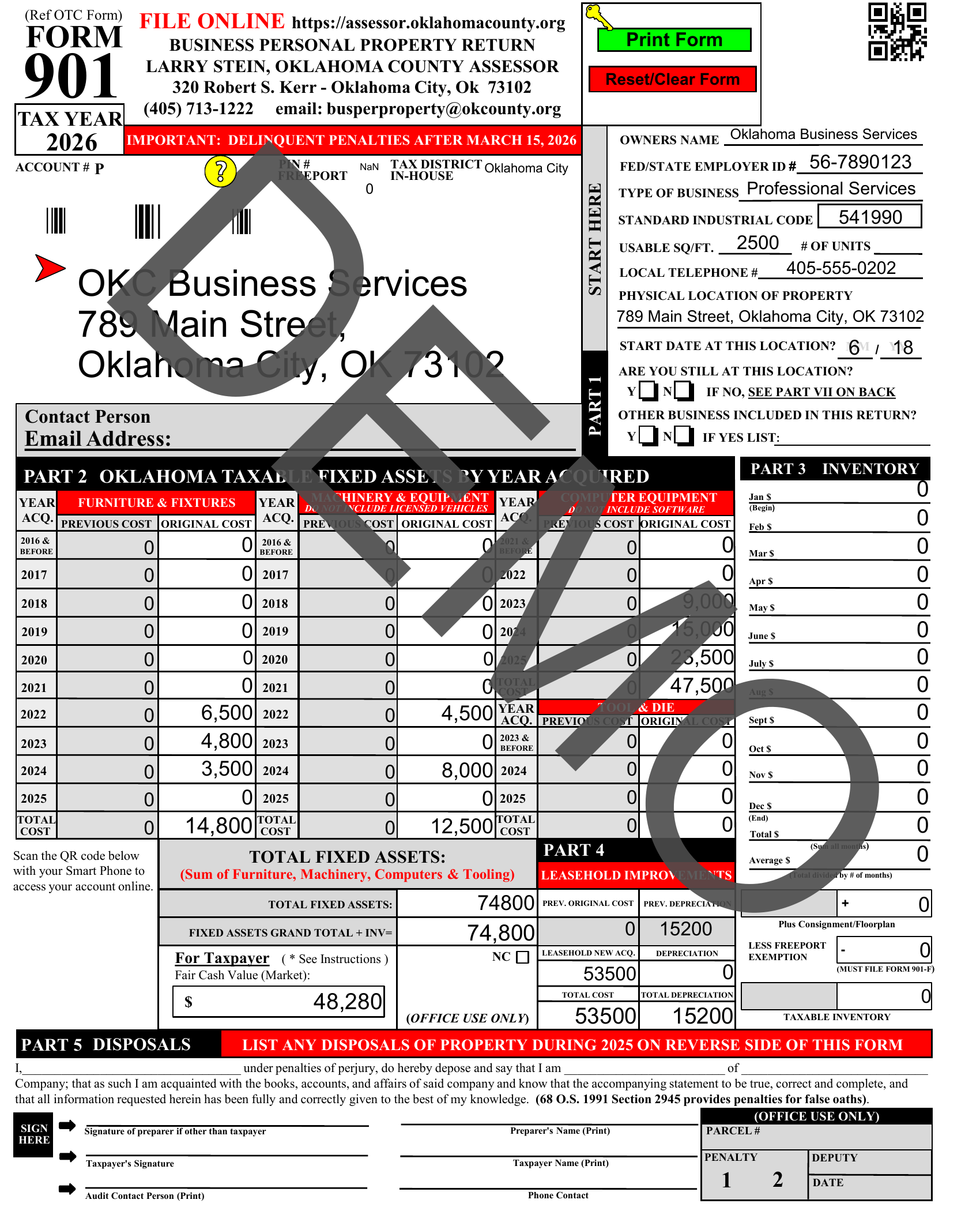
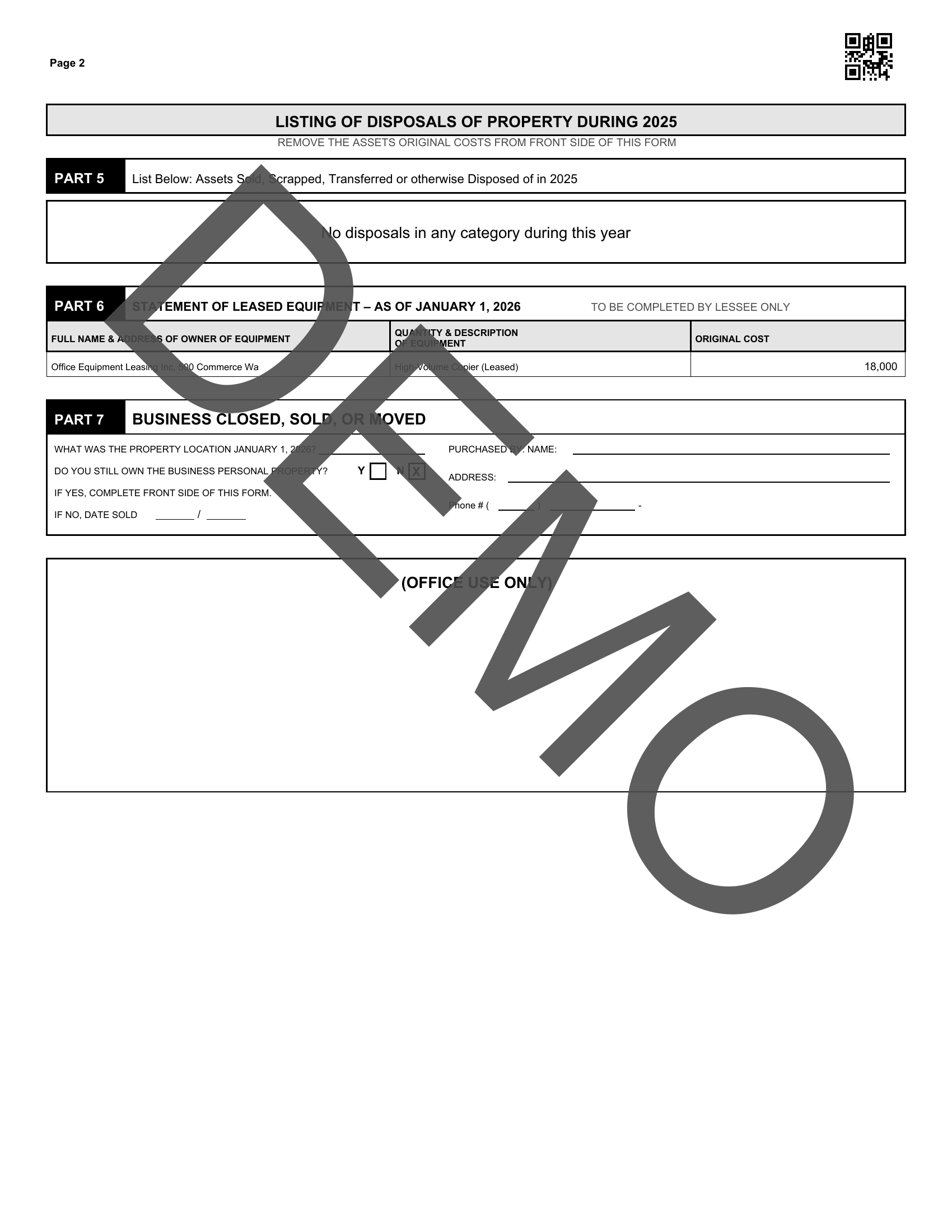
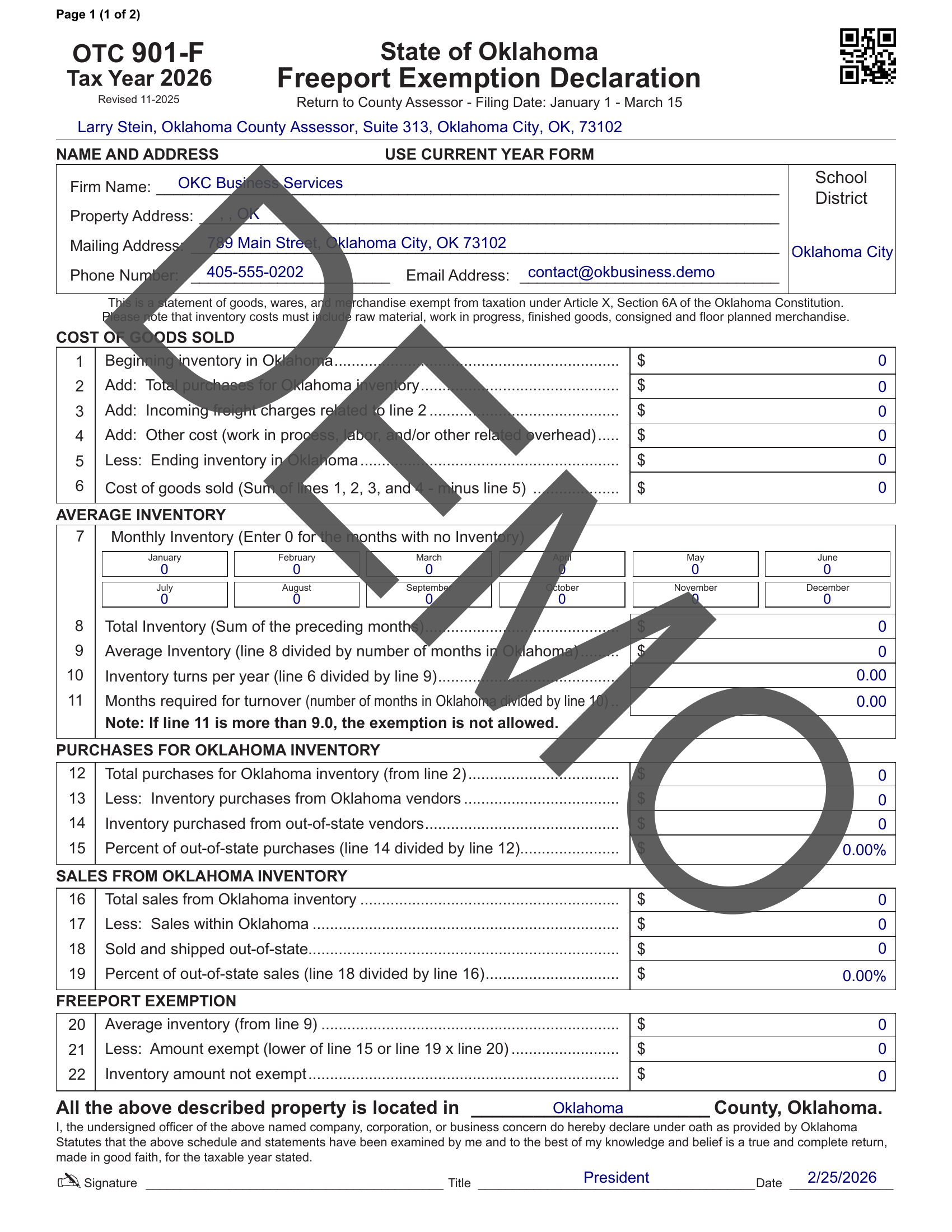
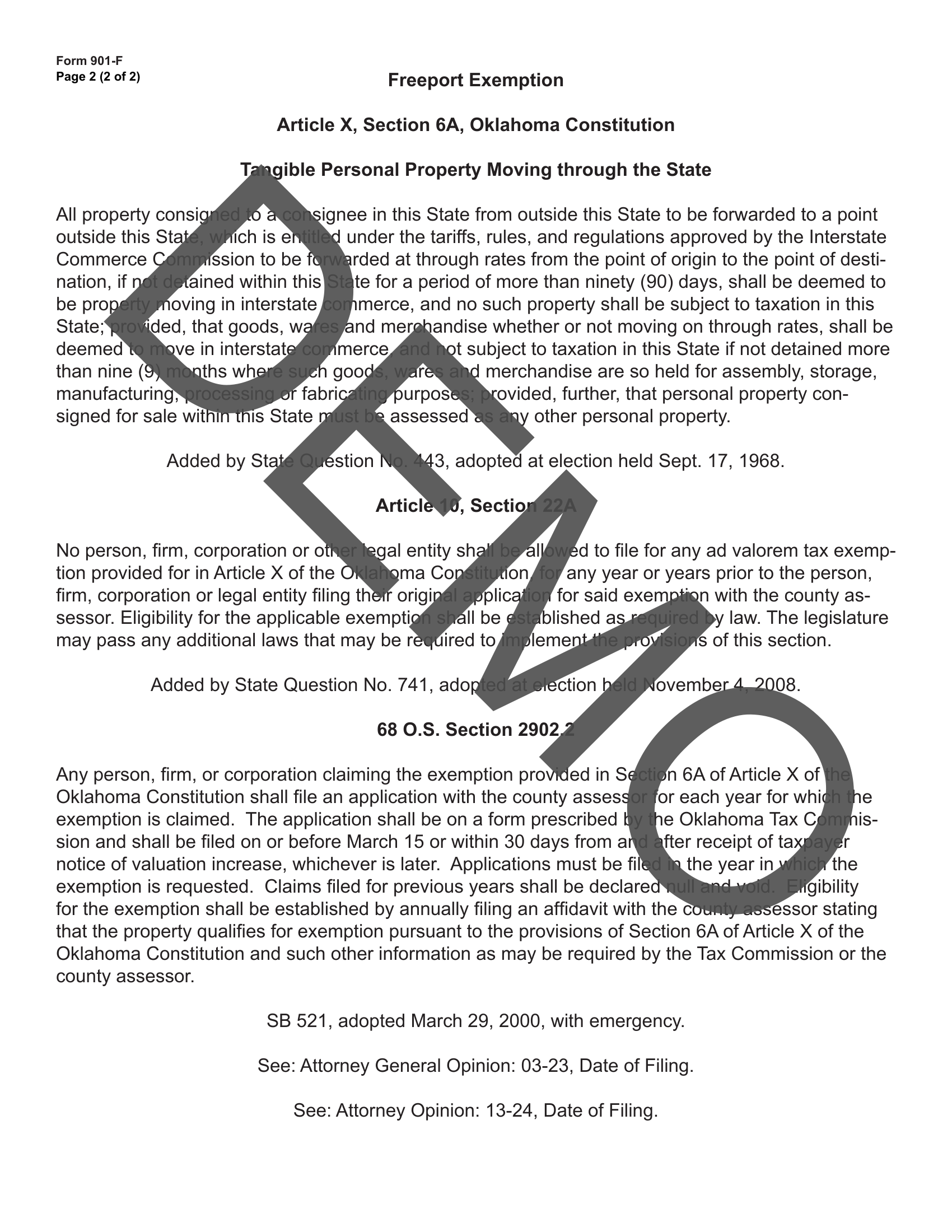
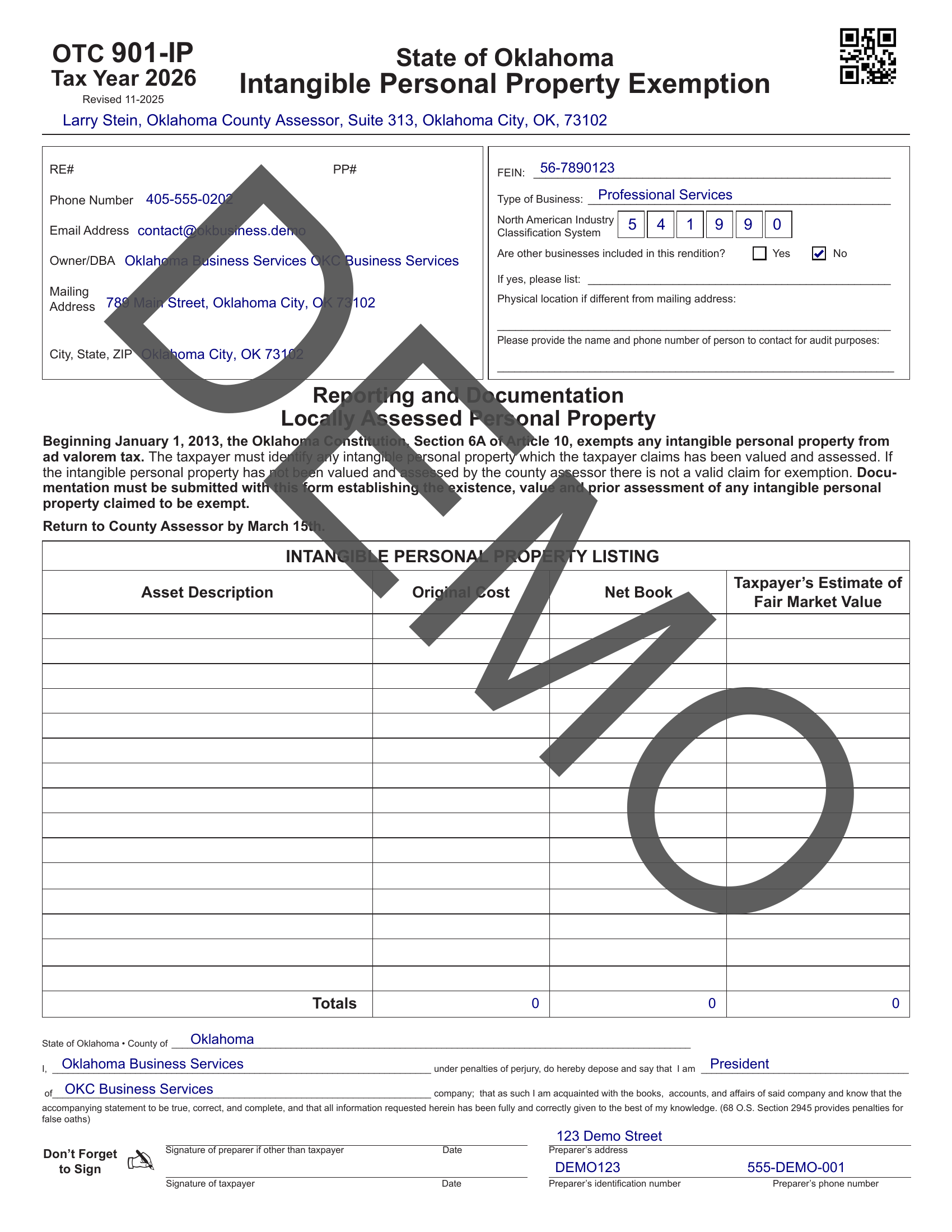
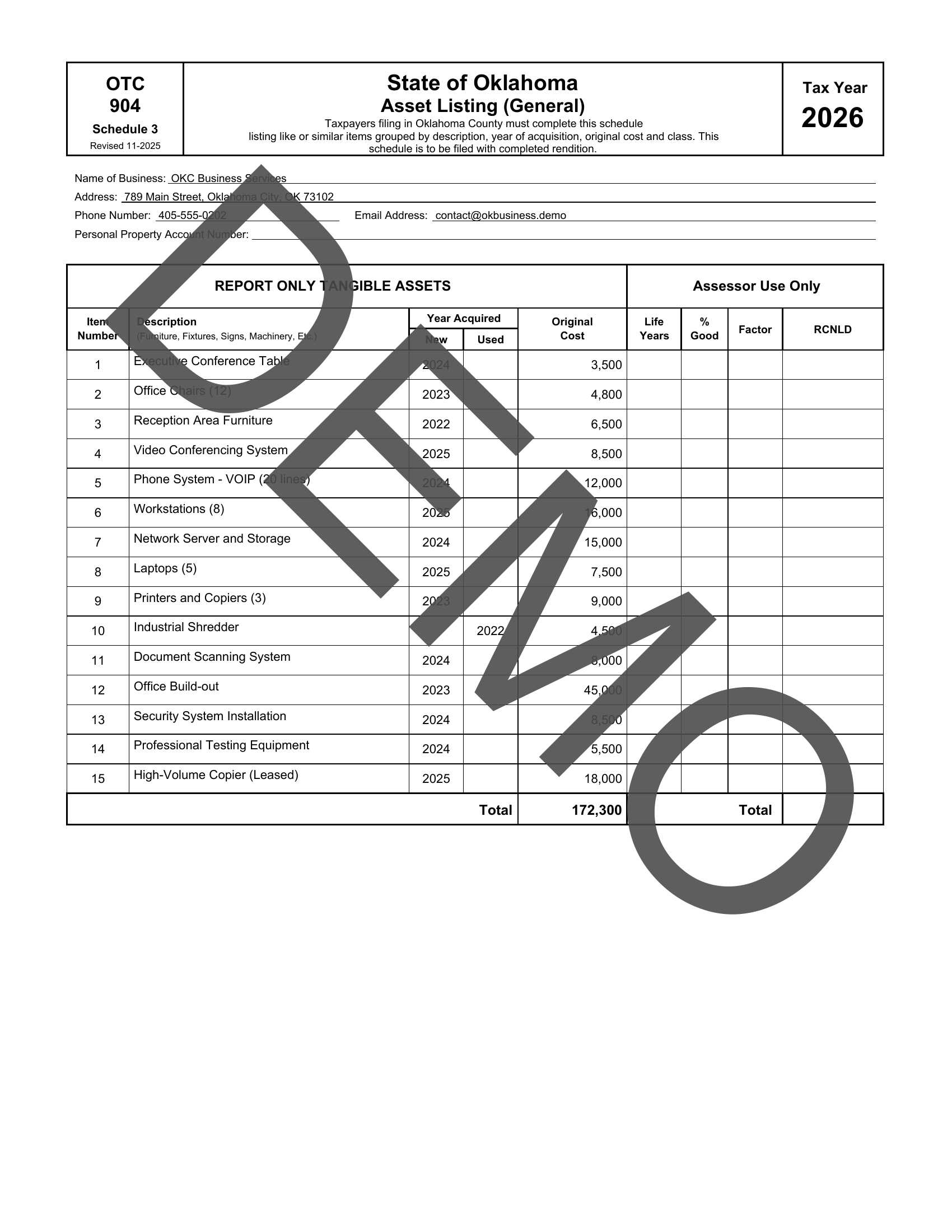
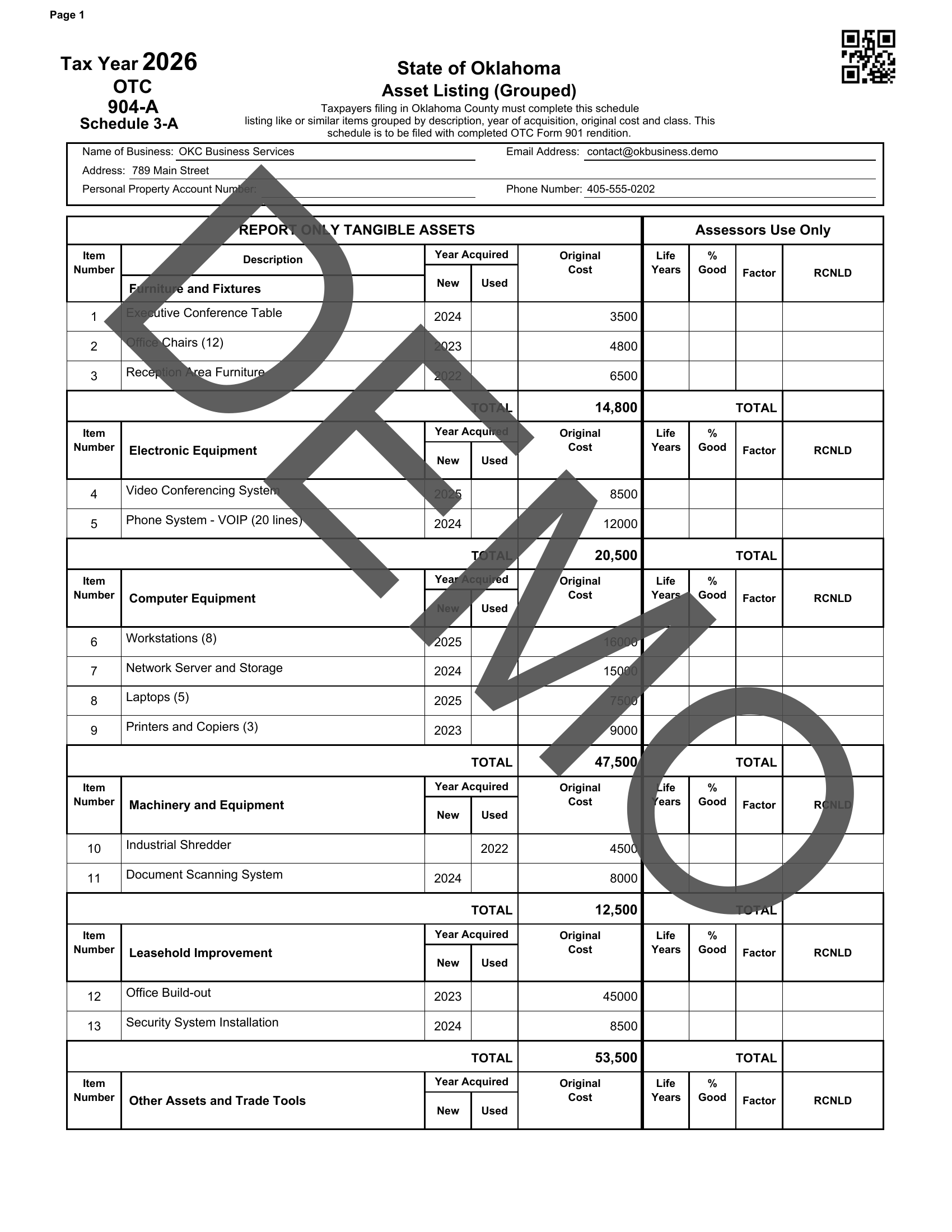
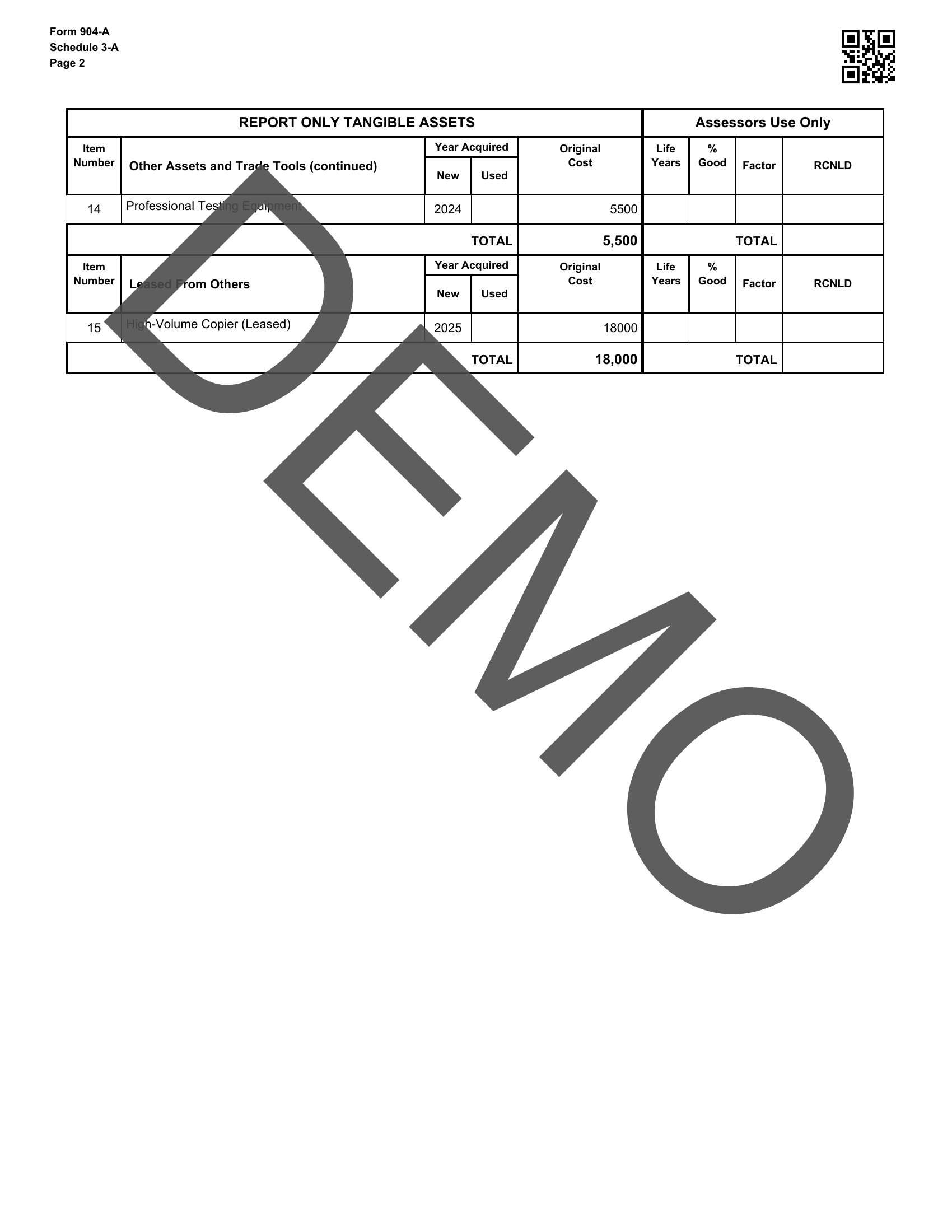
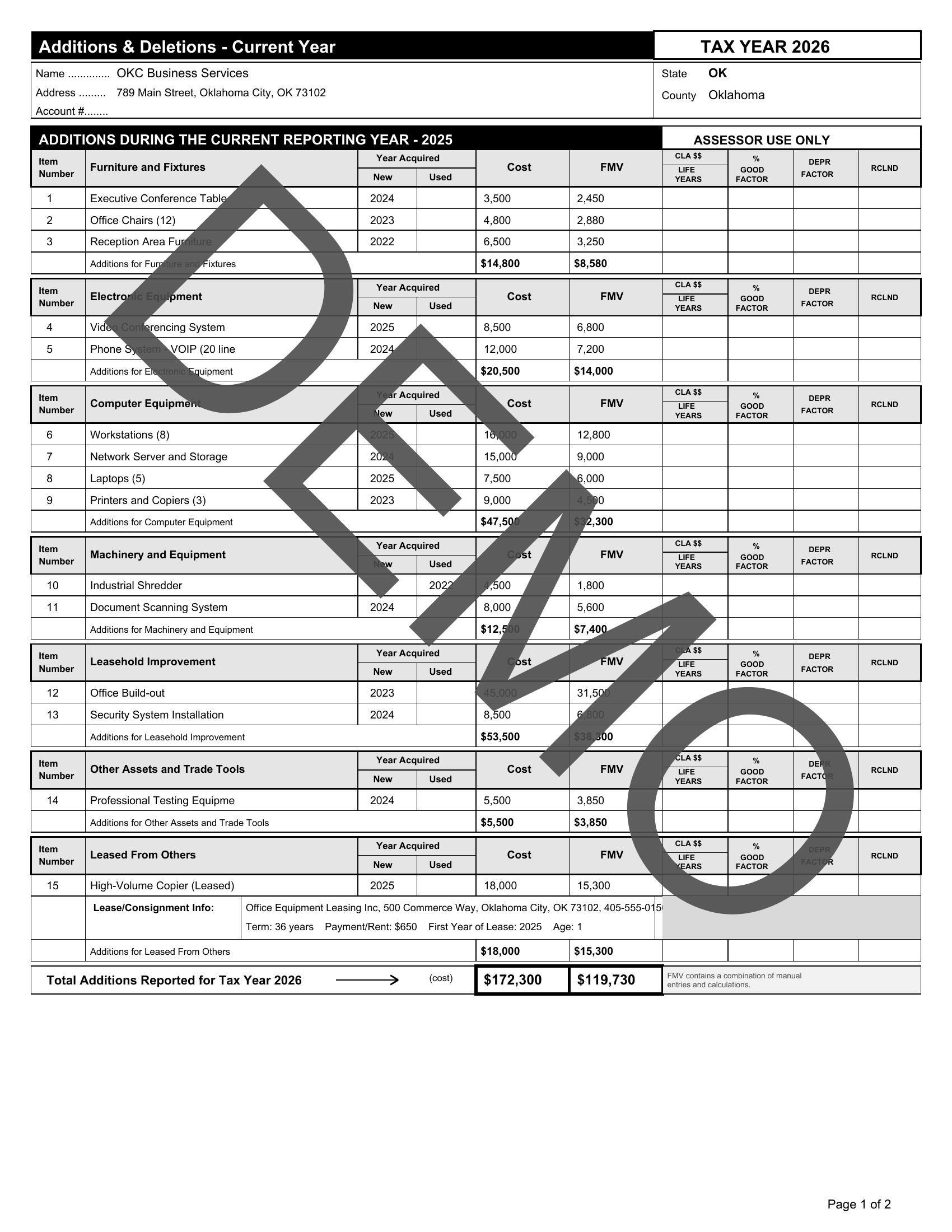
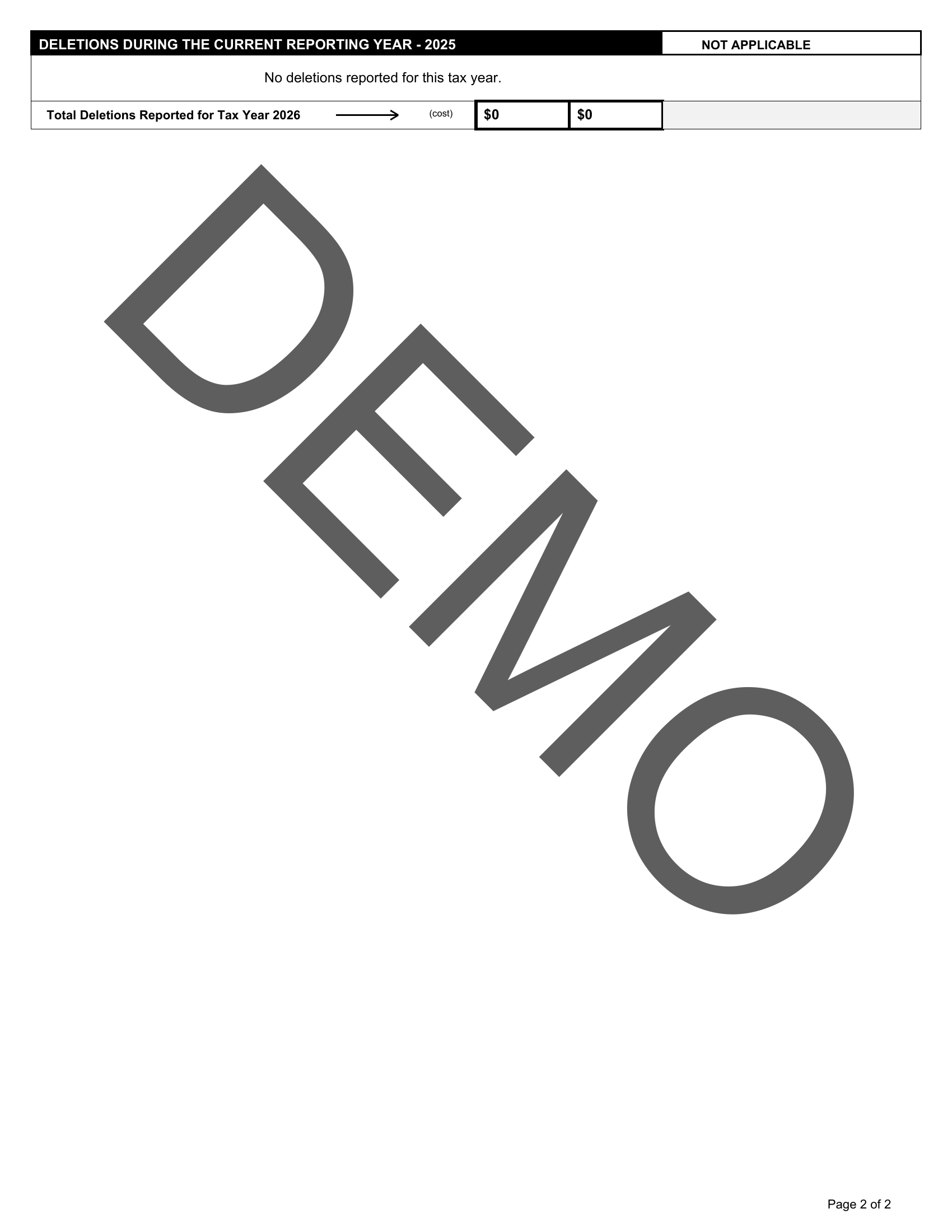
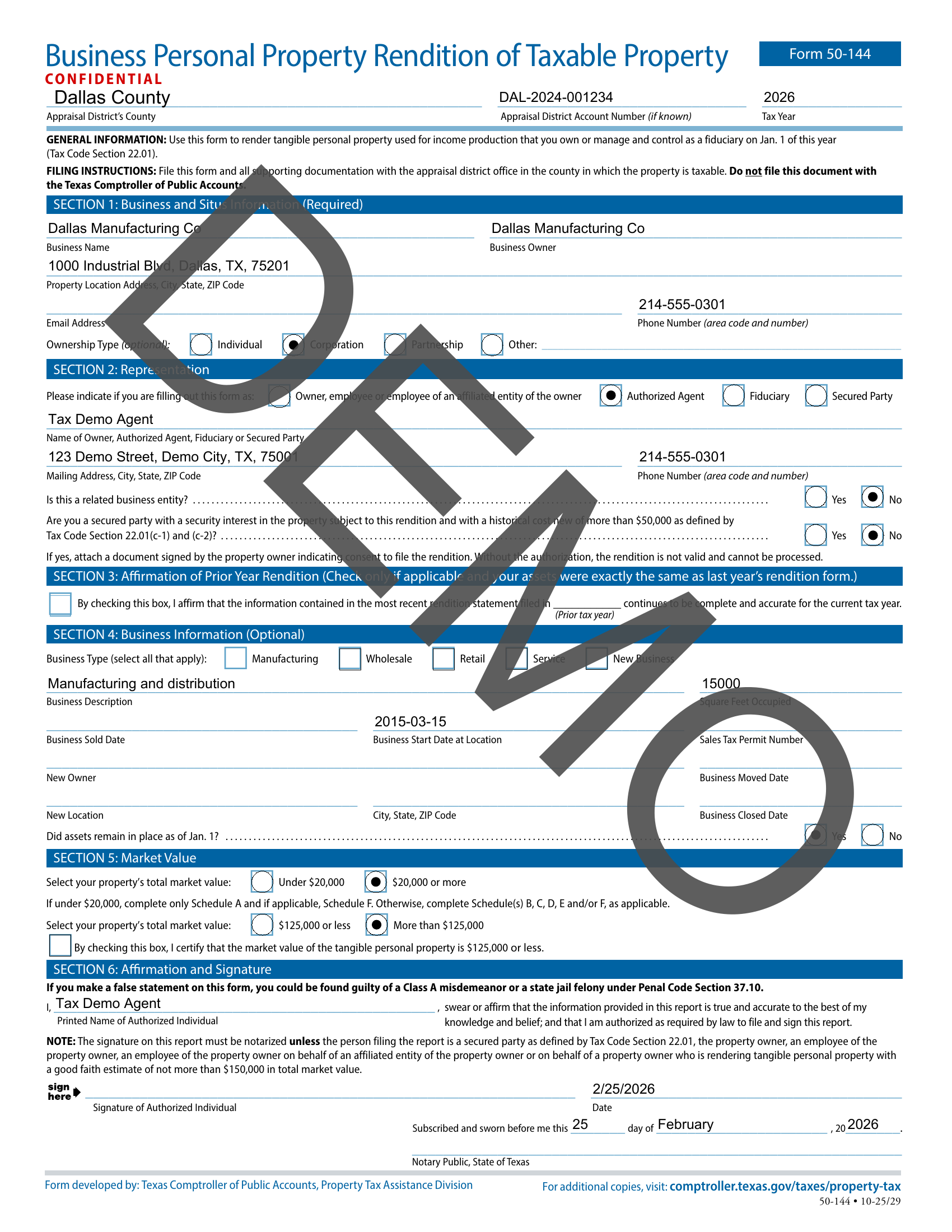
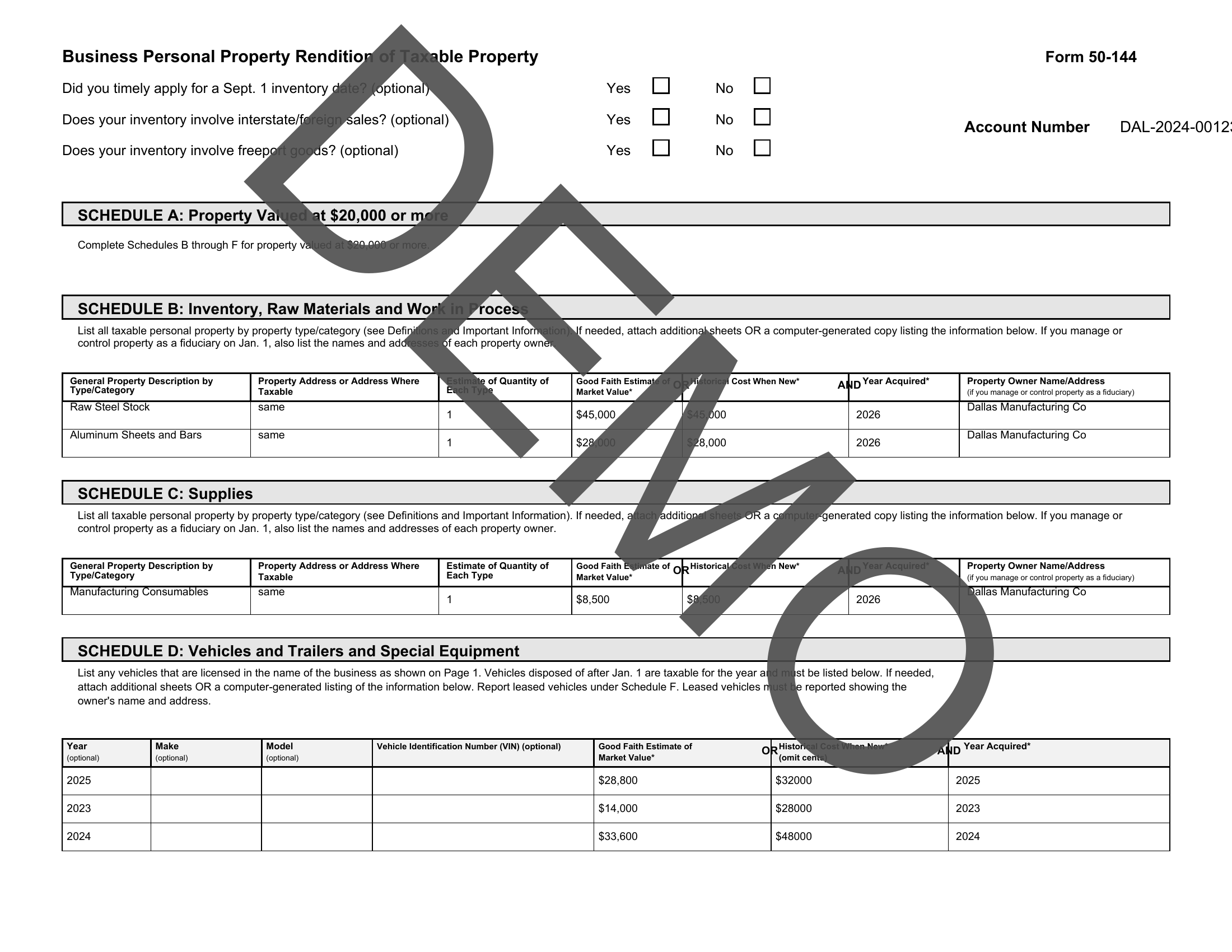
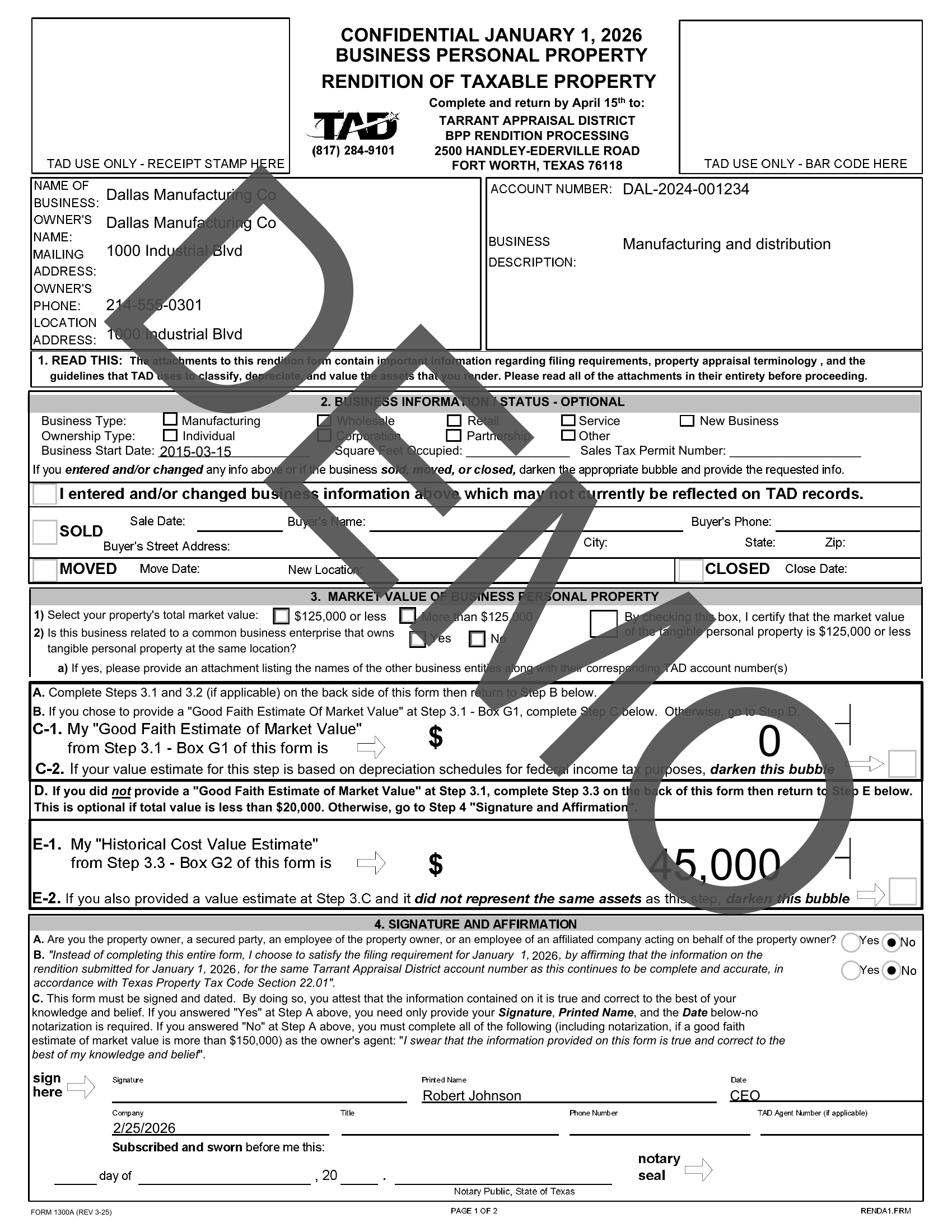
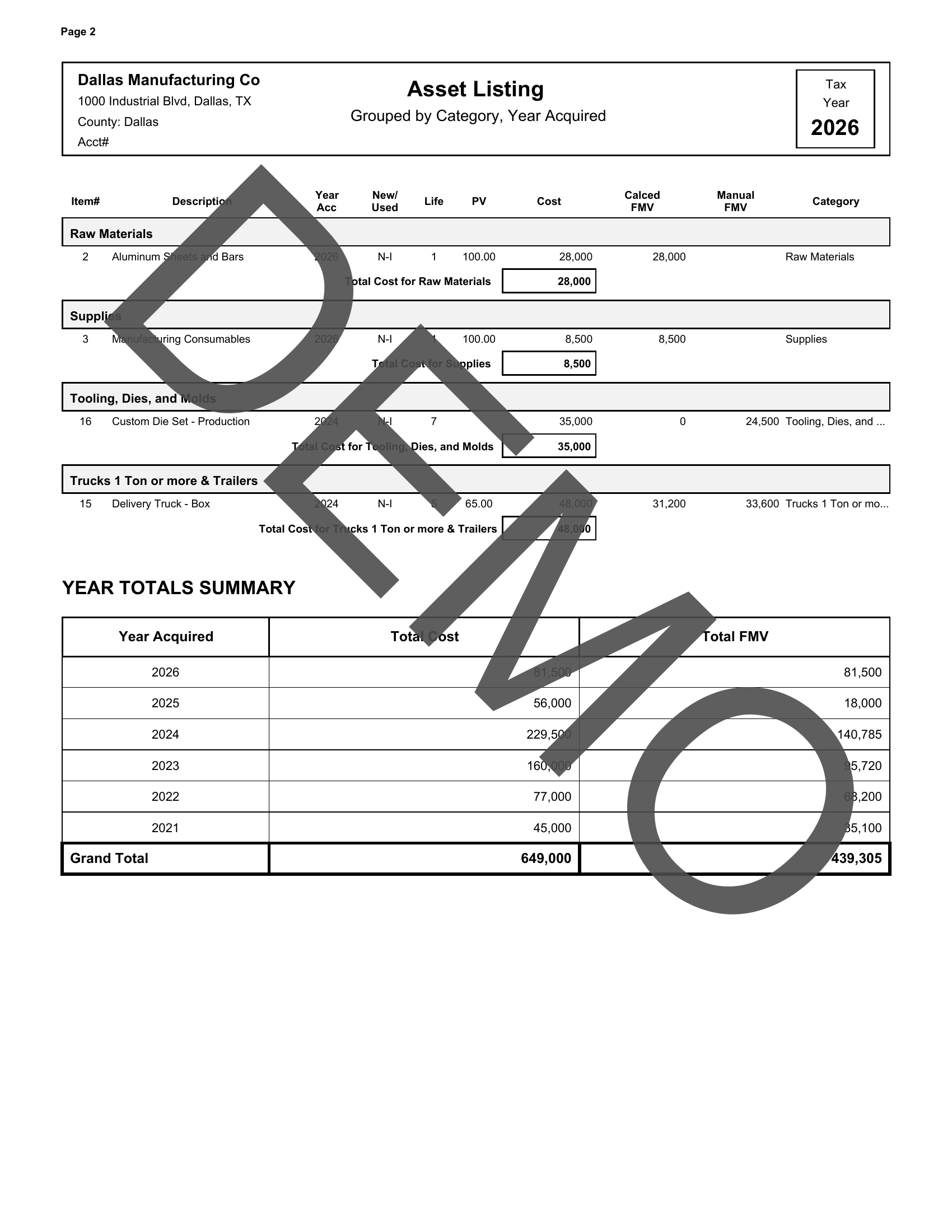
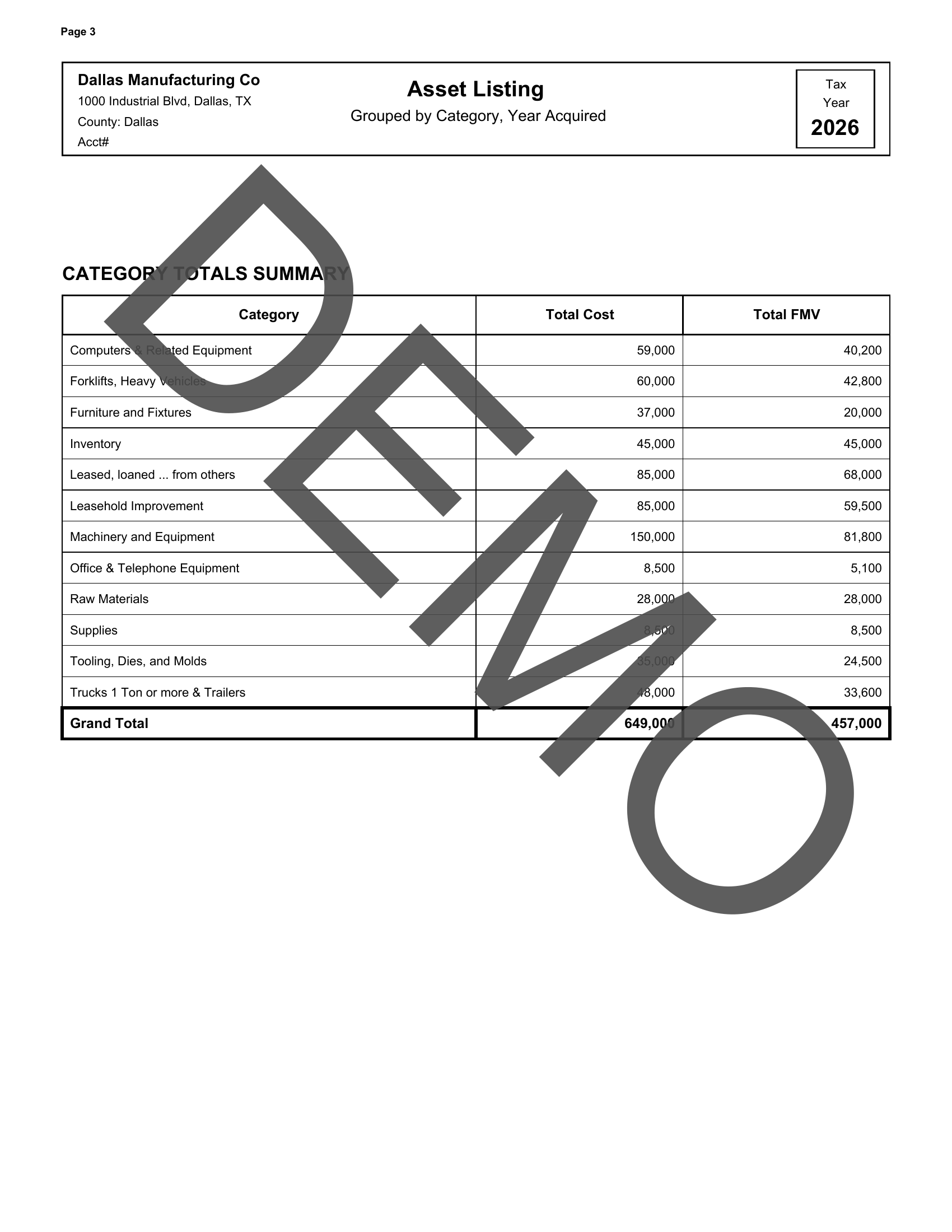
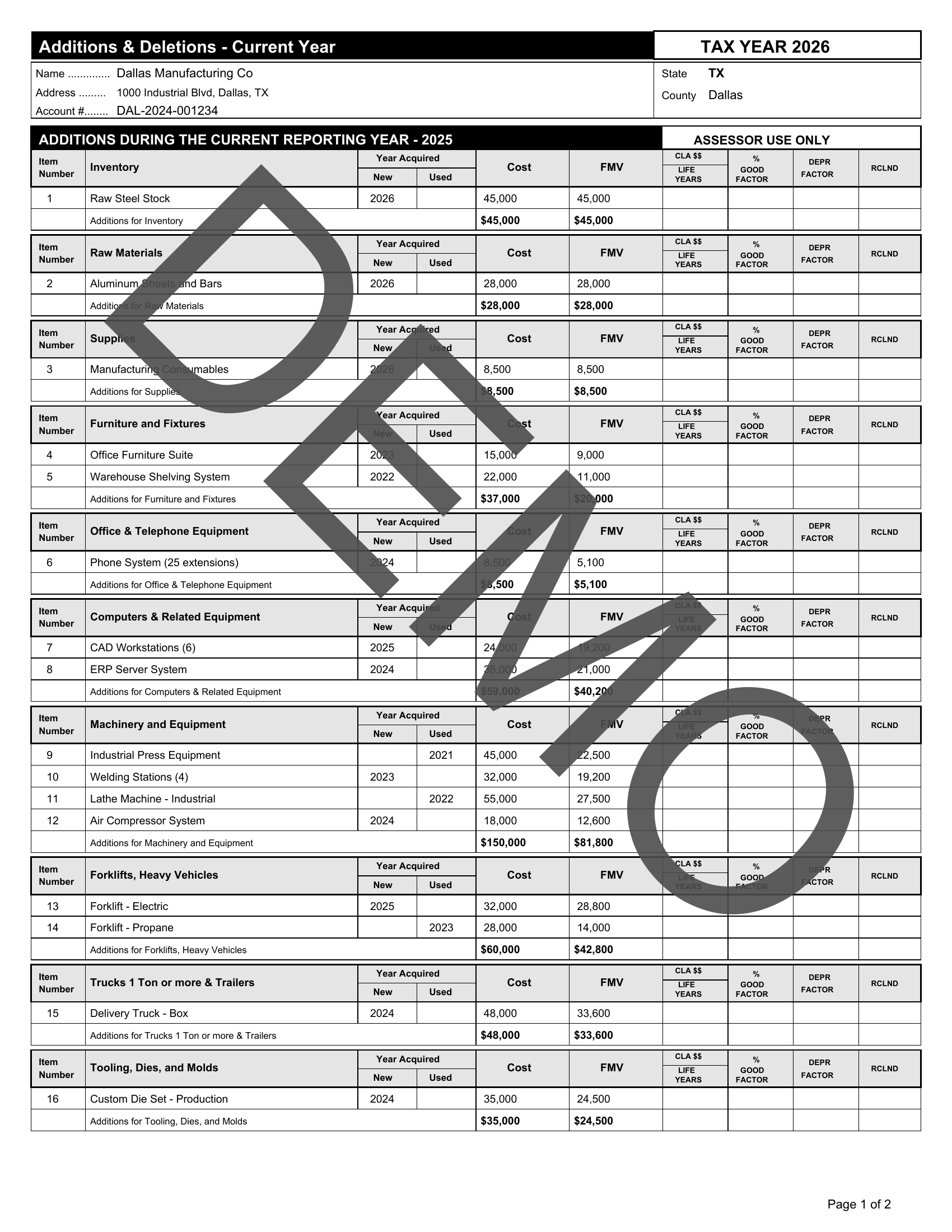
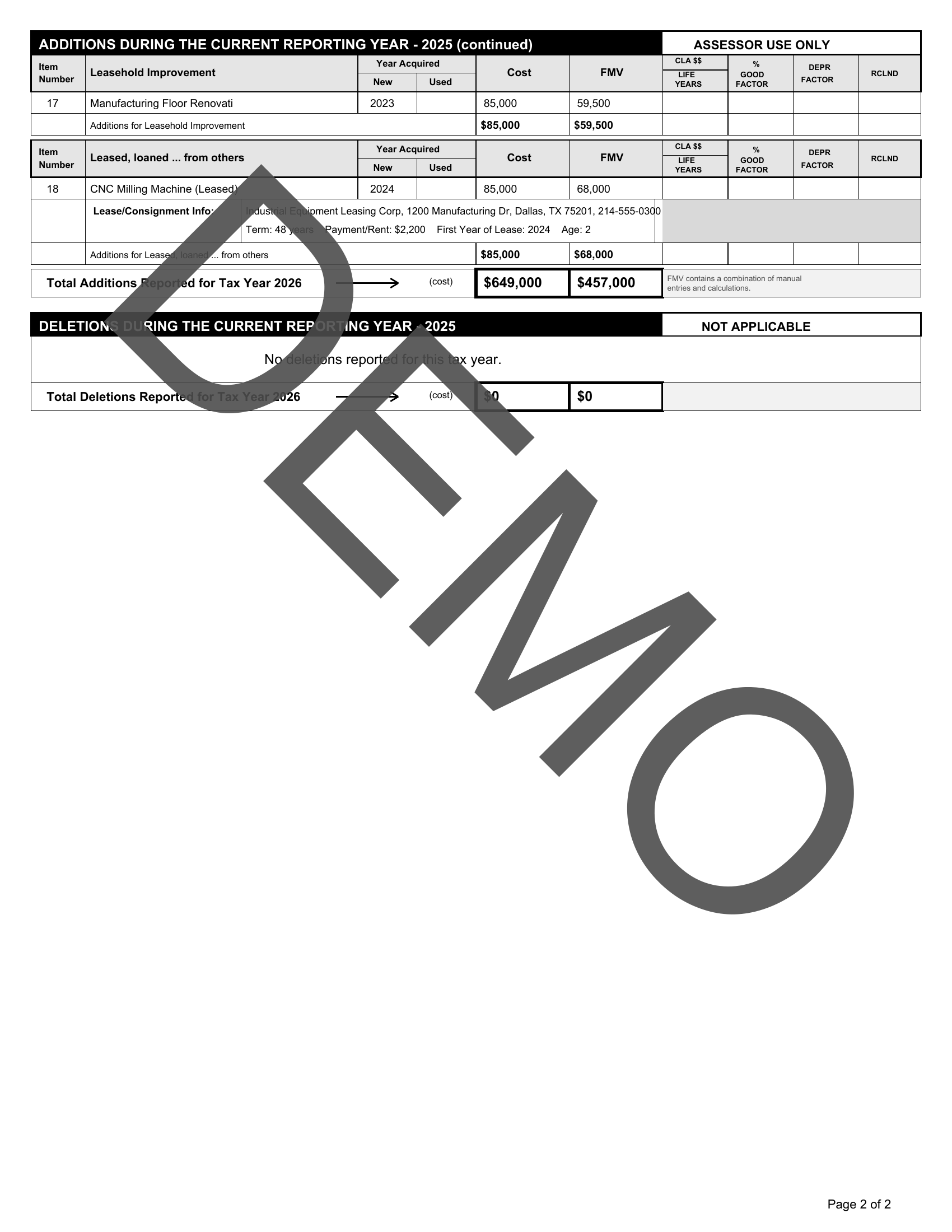
Personal Property Tax Pro automatically fills state and county tax forms from your client and asset data. Browse every supported form below with sample screenshots.
Four simple steps inside the app — each one gets you closer to a ready-to-file form.
Start by creating a new client with their business info, EIN/SSN, and location details.
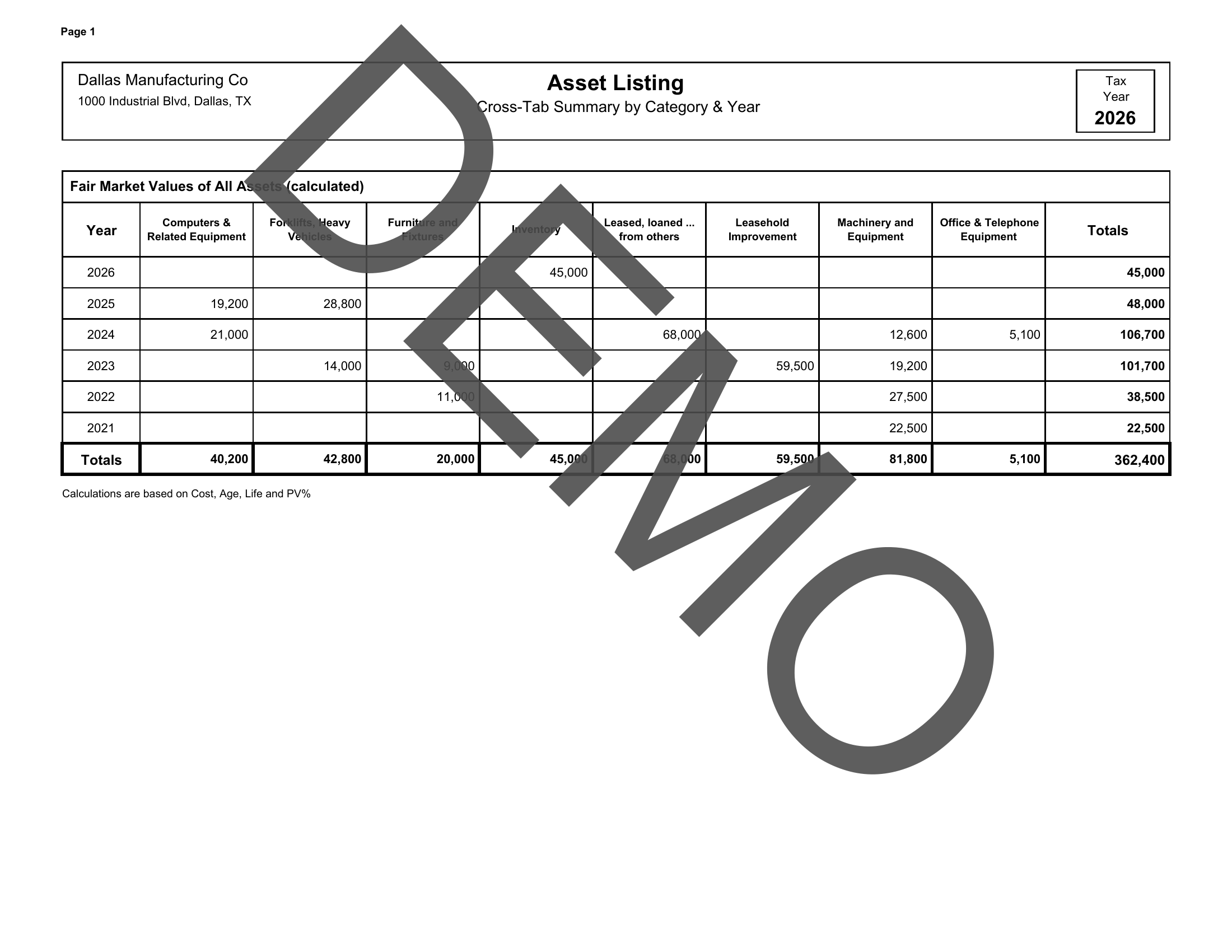
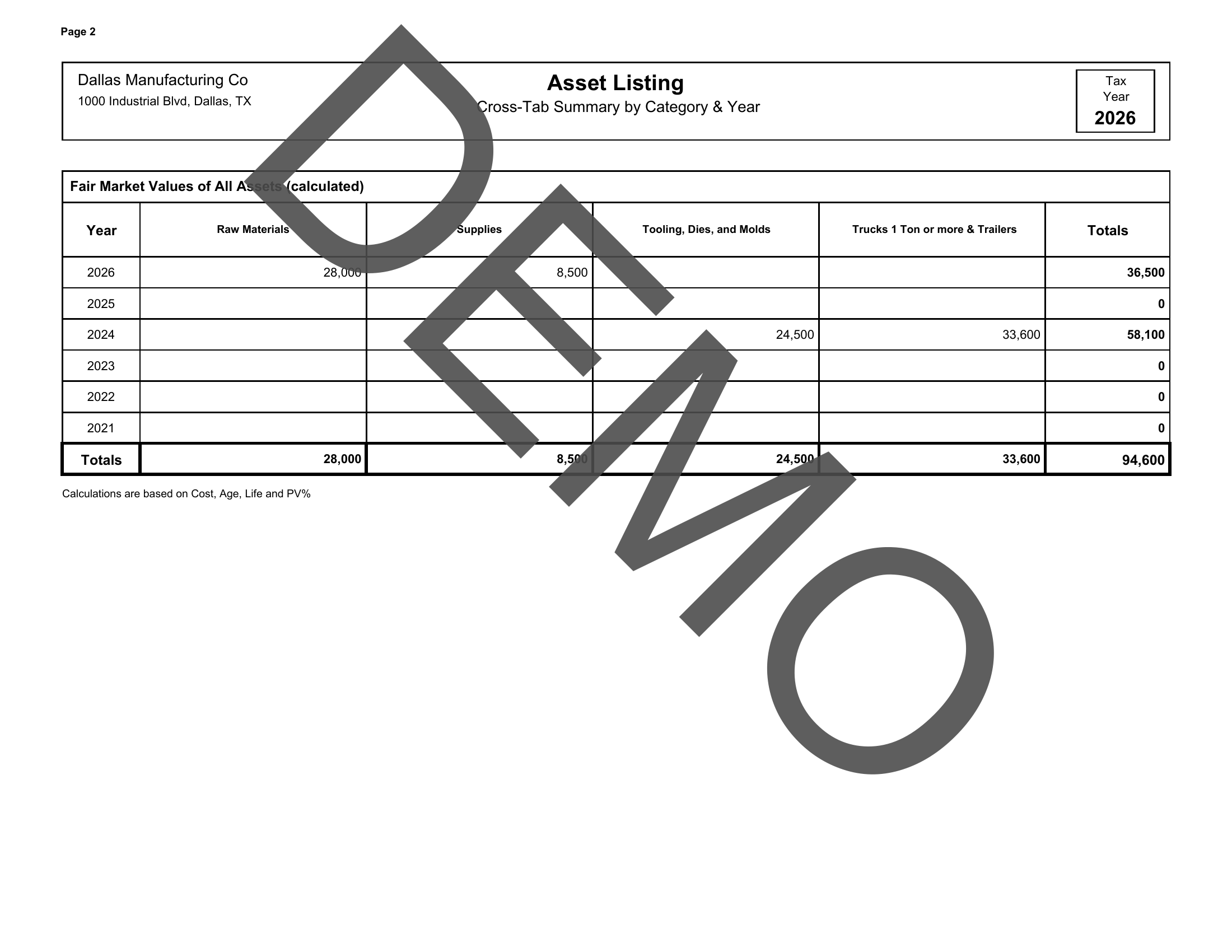
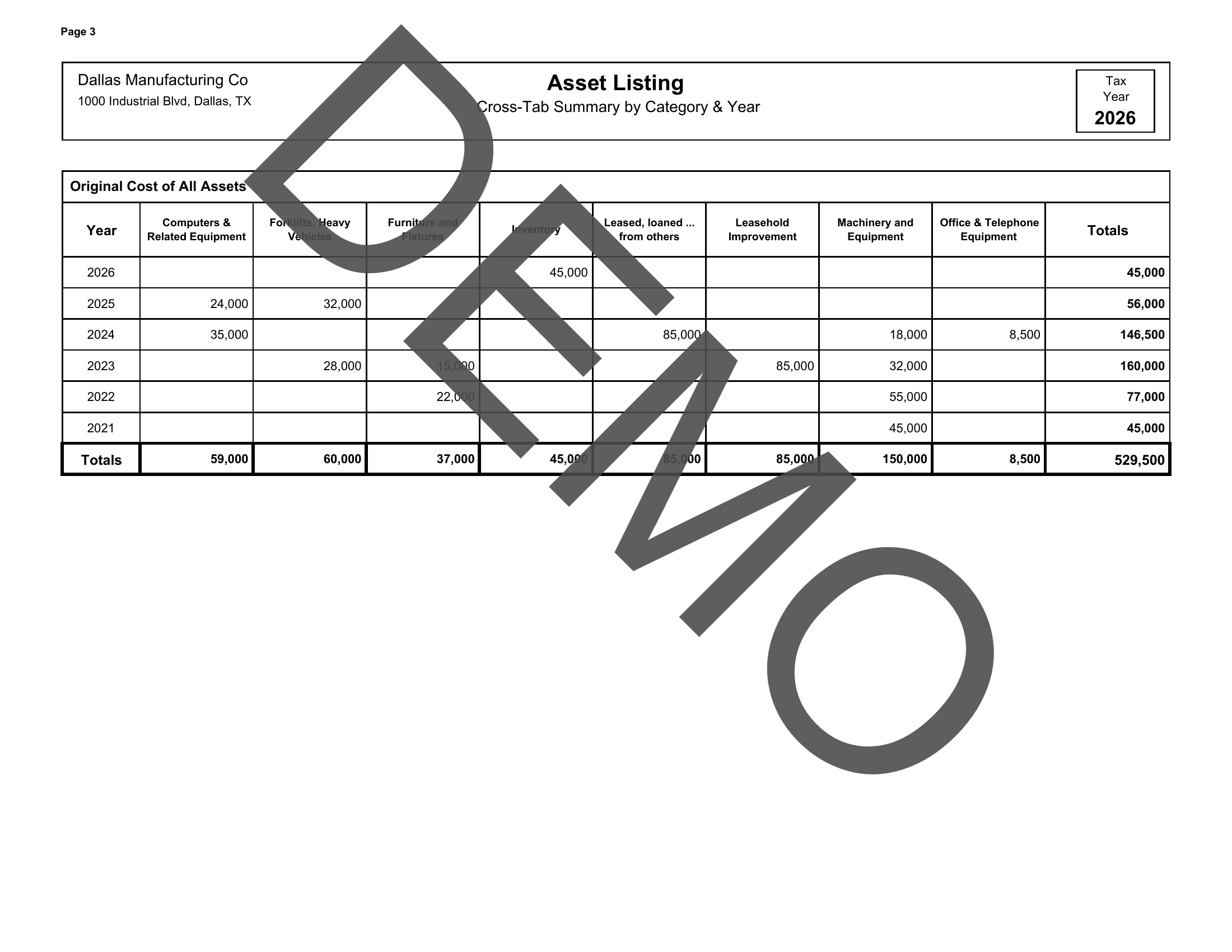
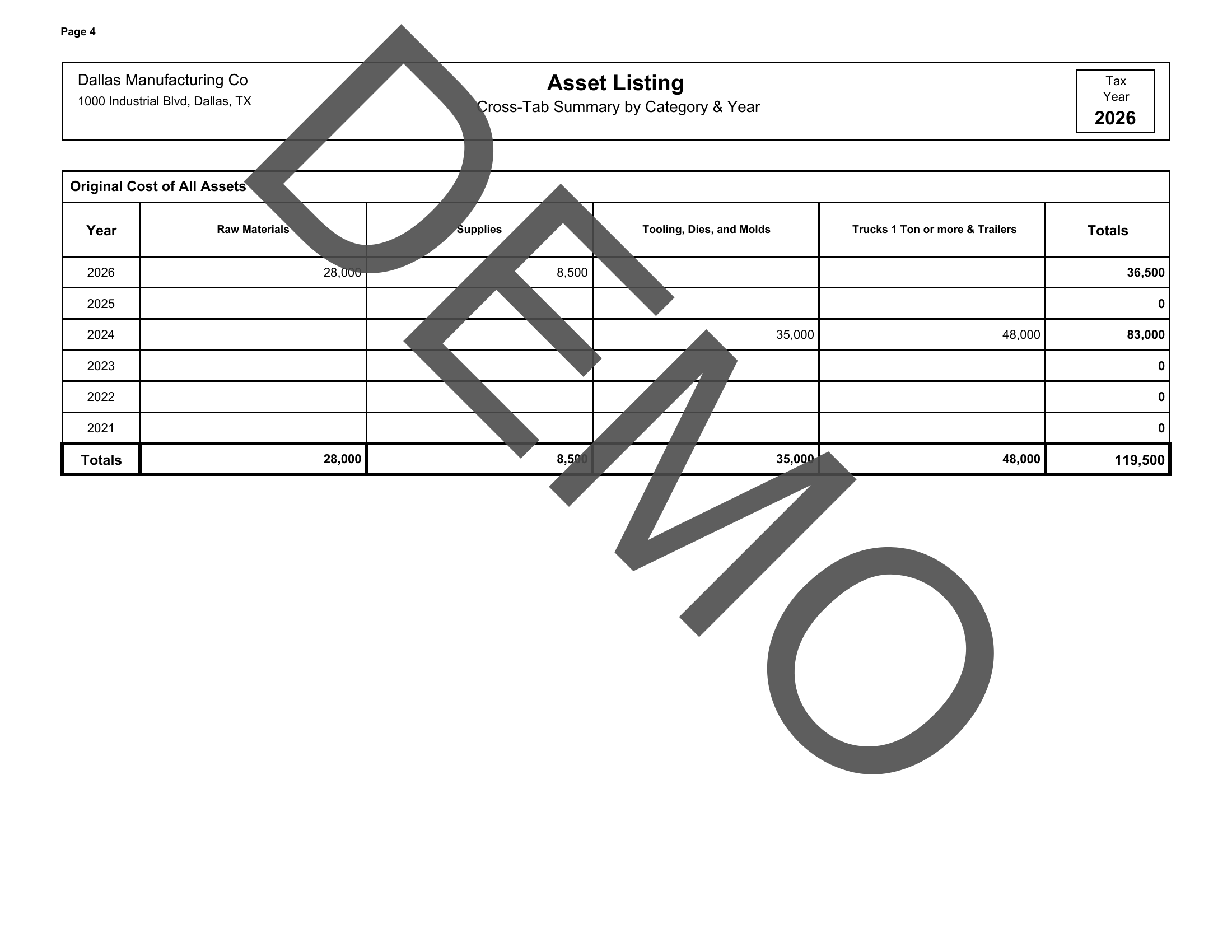
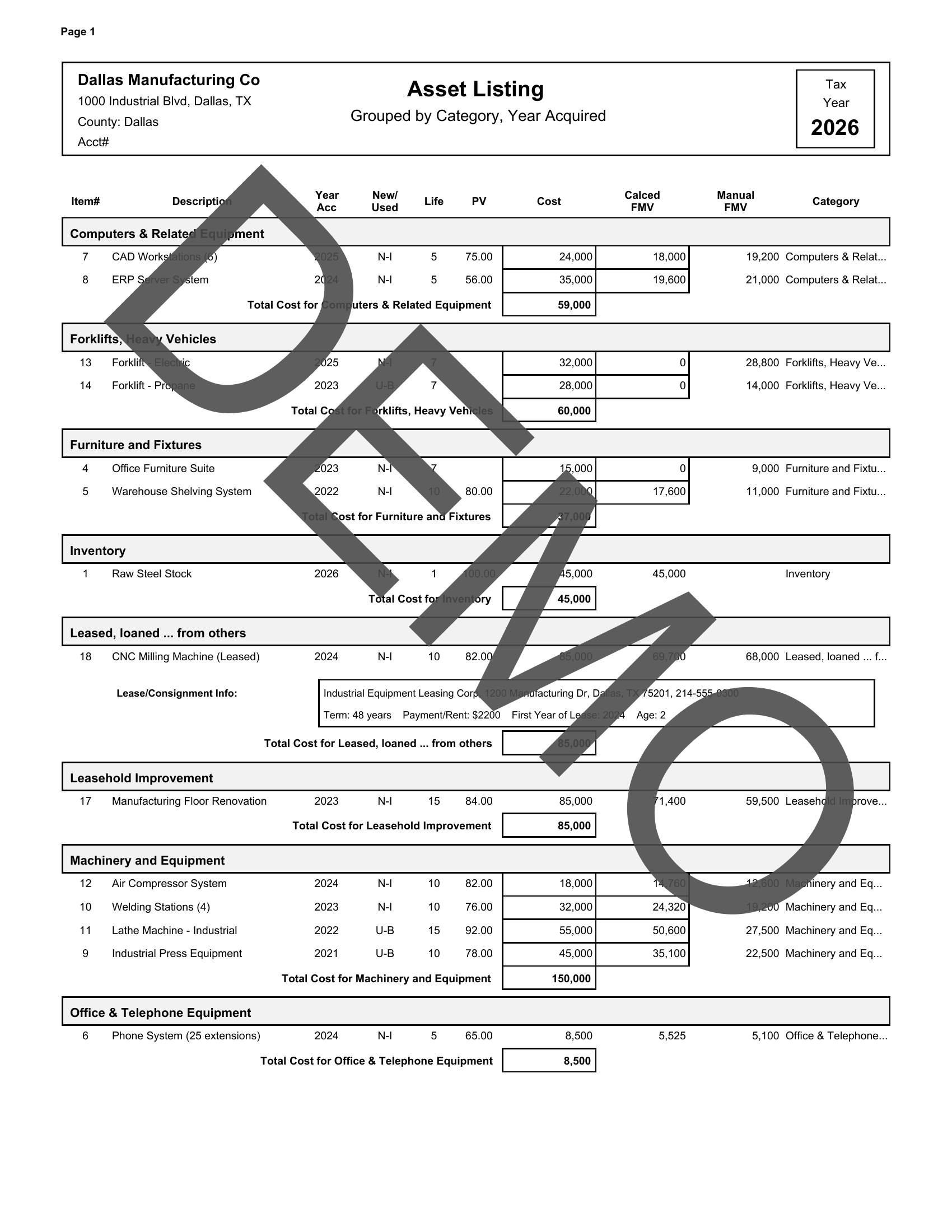
Enter each asset with its description, category, acquisition year, and original cost.
Confirm client info, county, and state. Verify asset totals before generating forms.
Pick from available state & county forms, then download or print — ready to file.
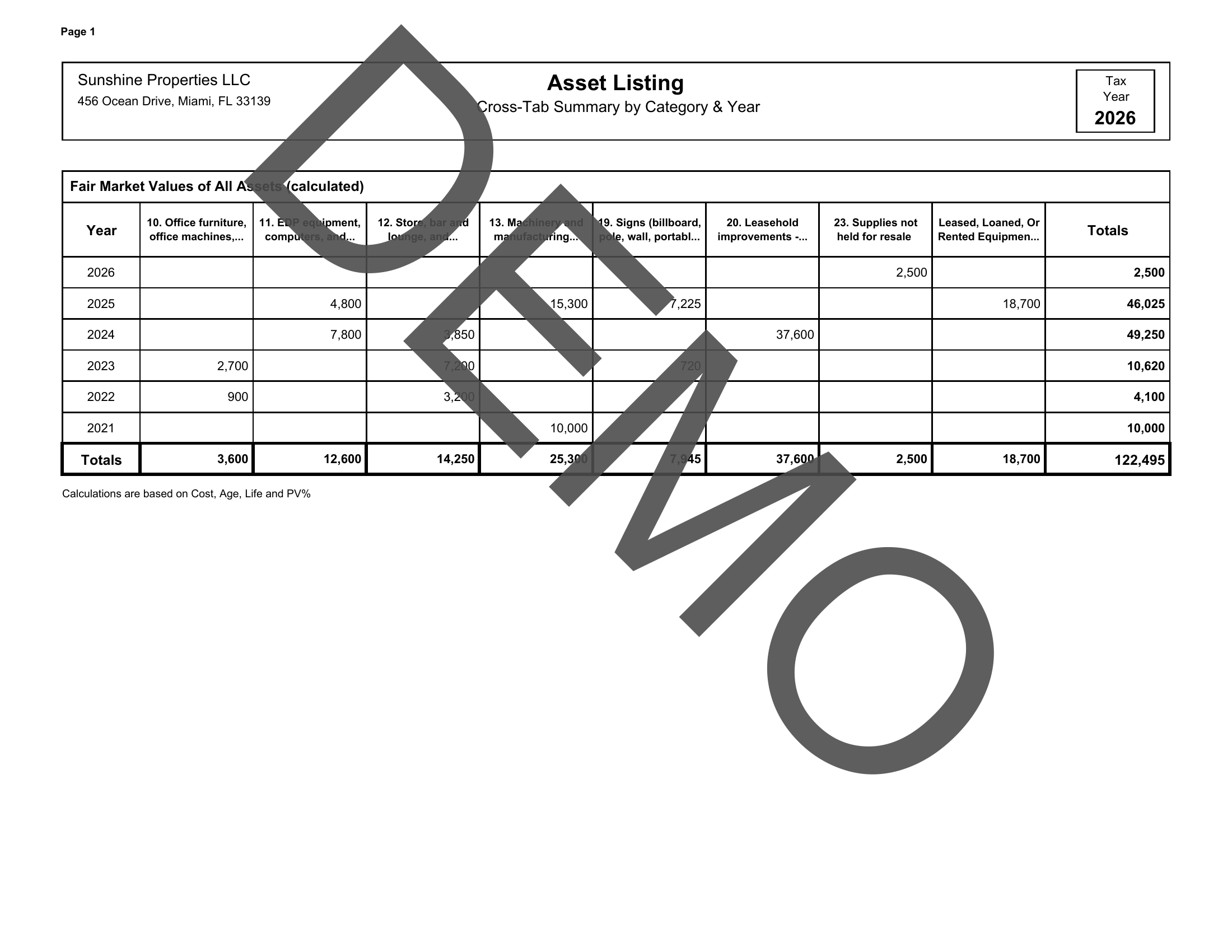
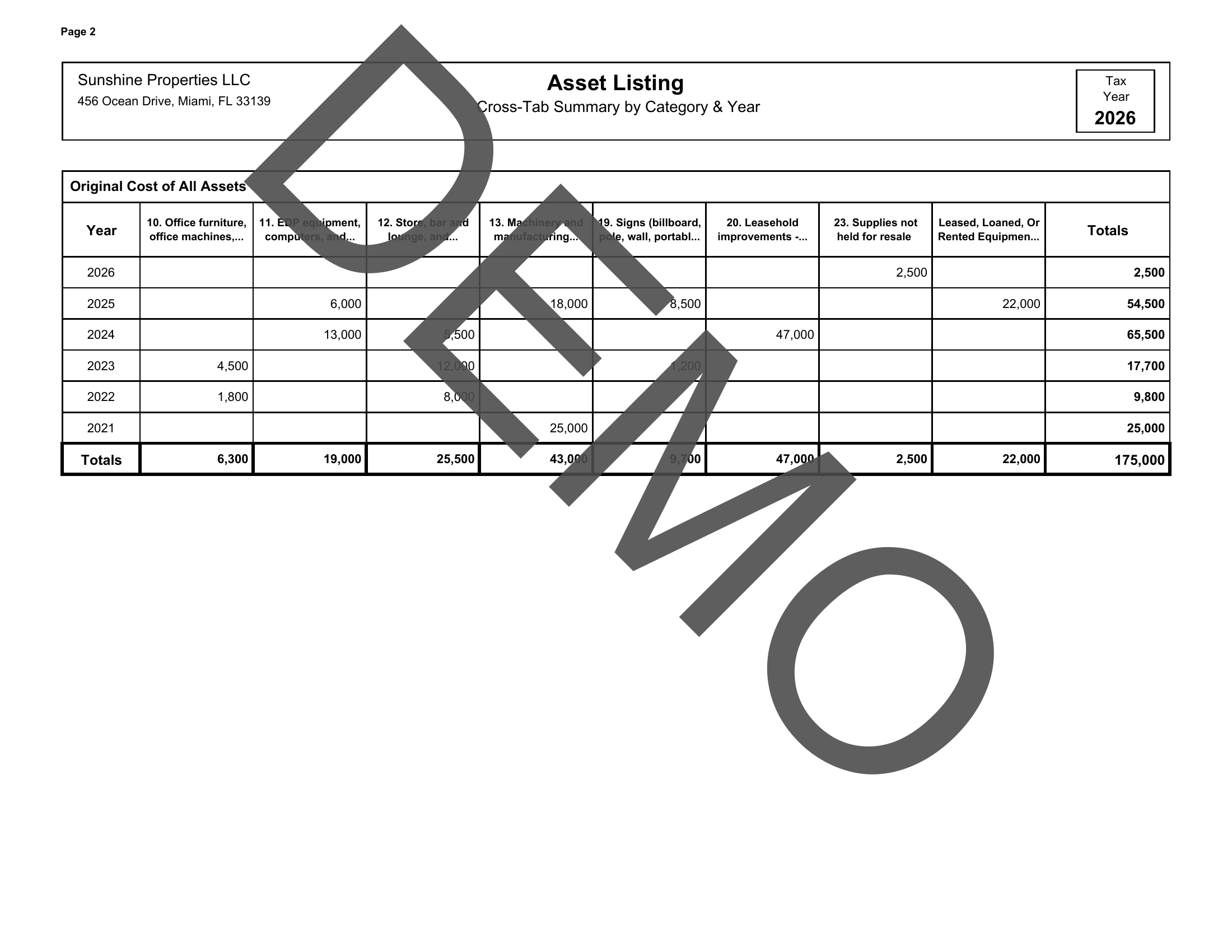
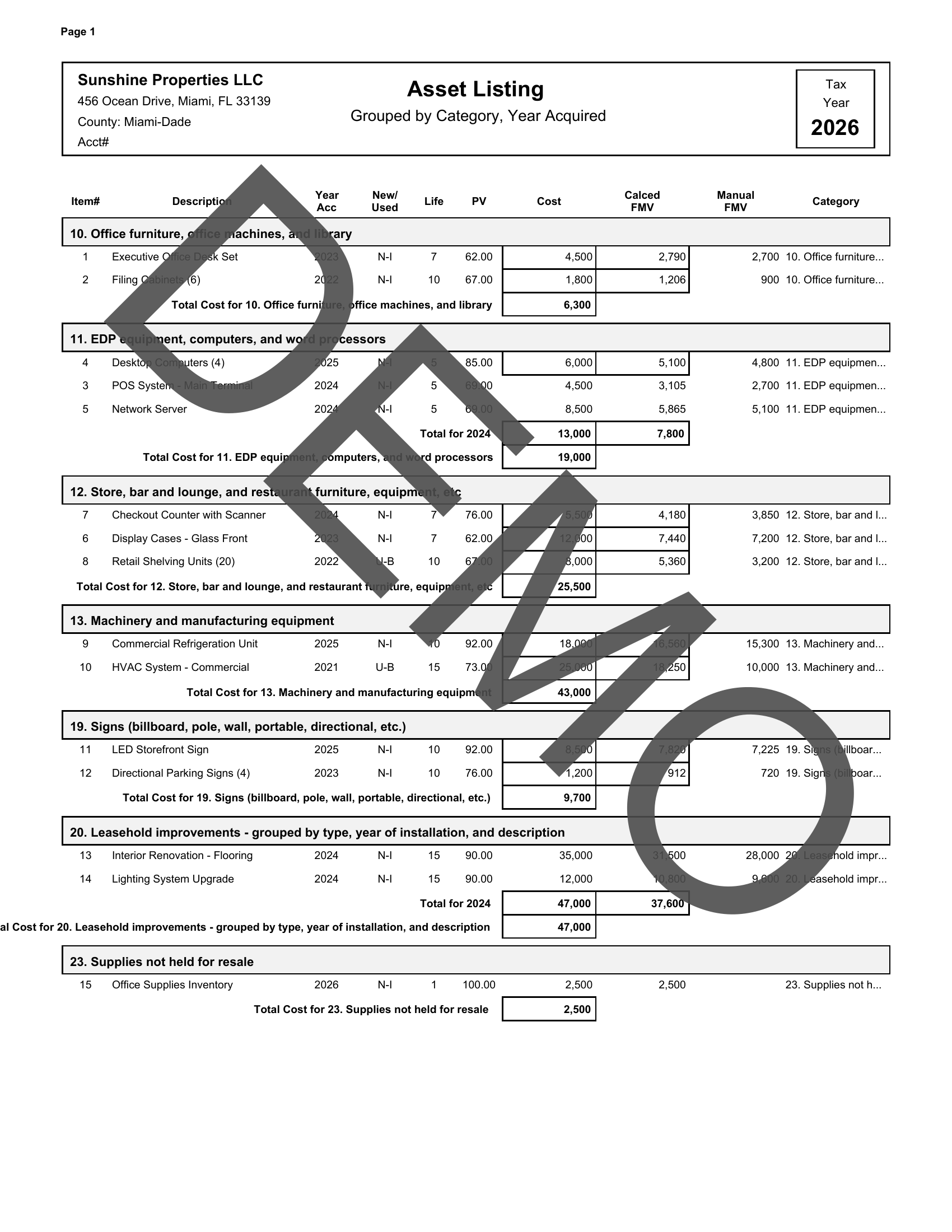
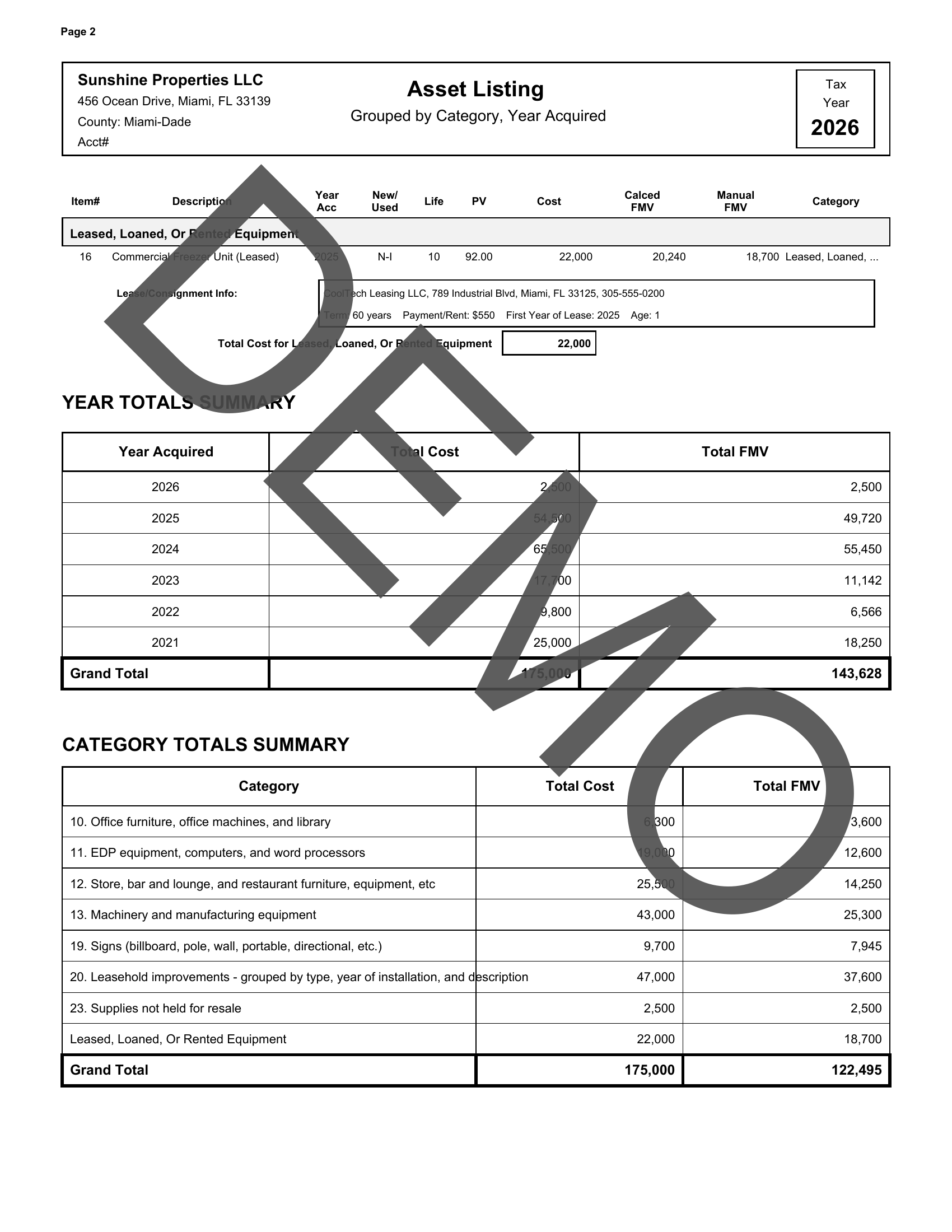
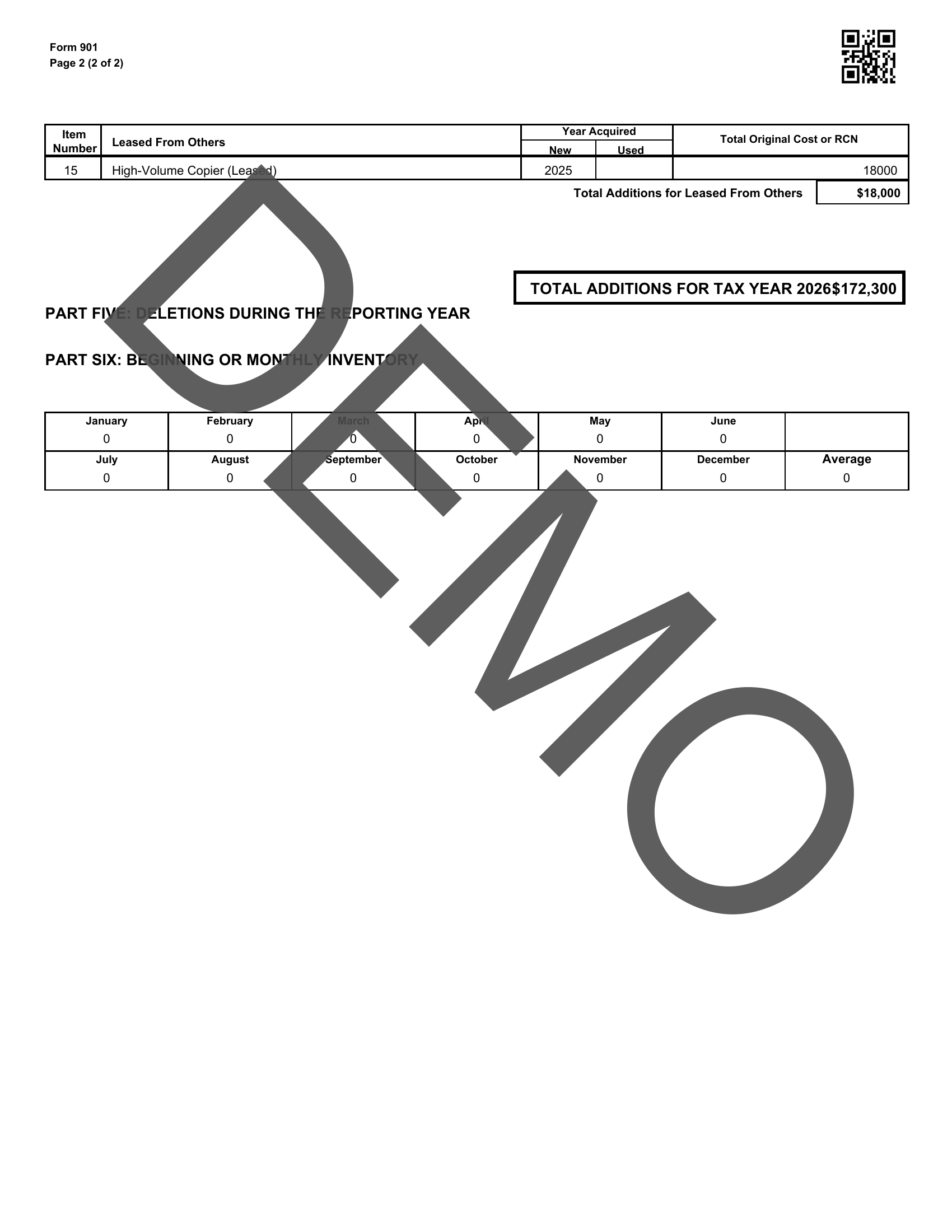
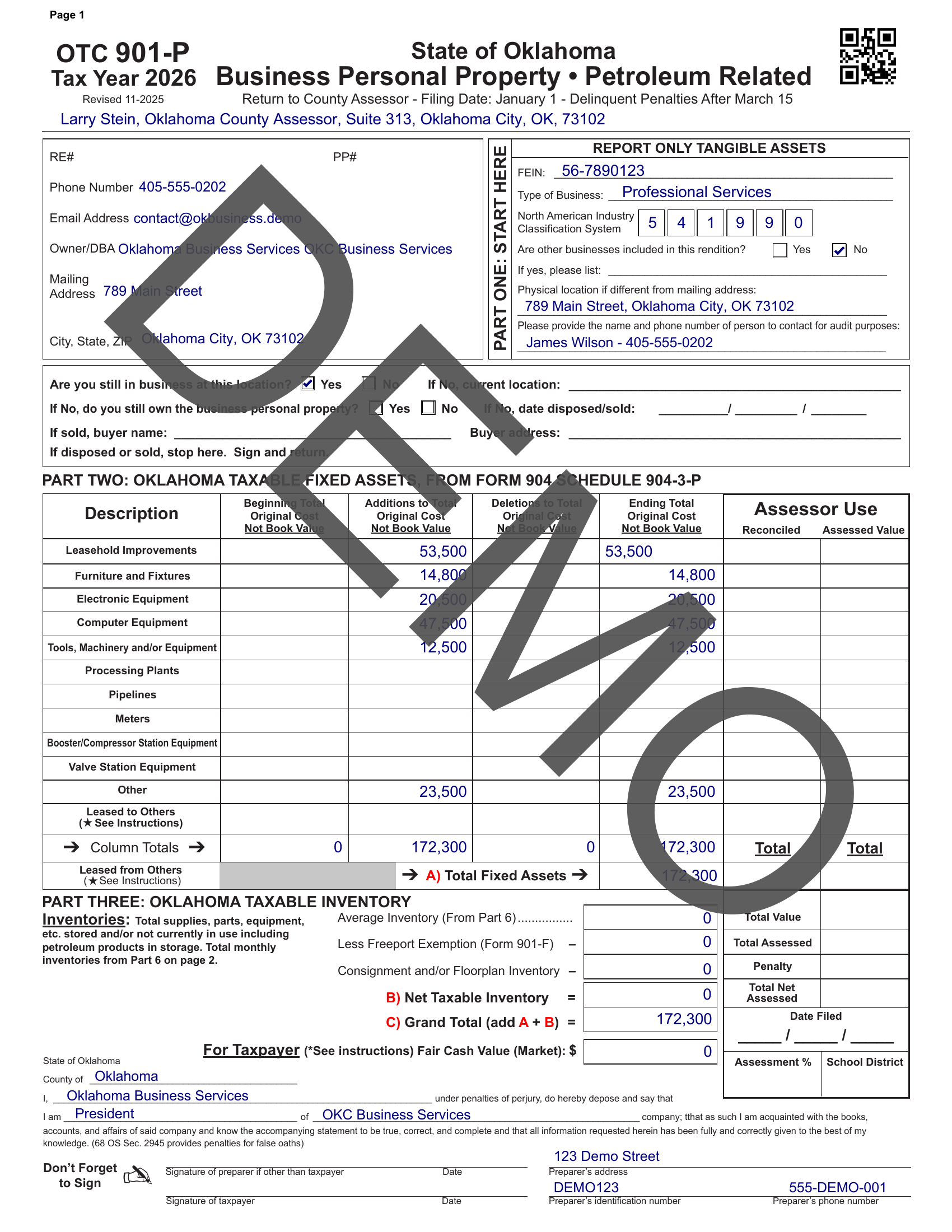
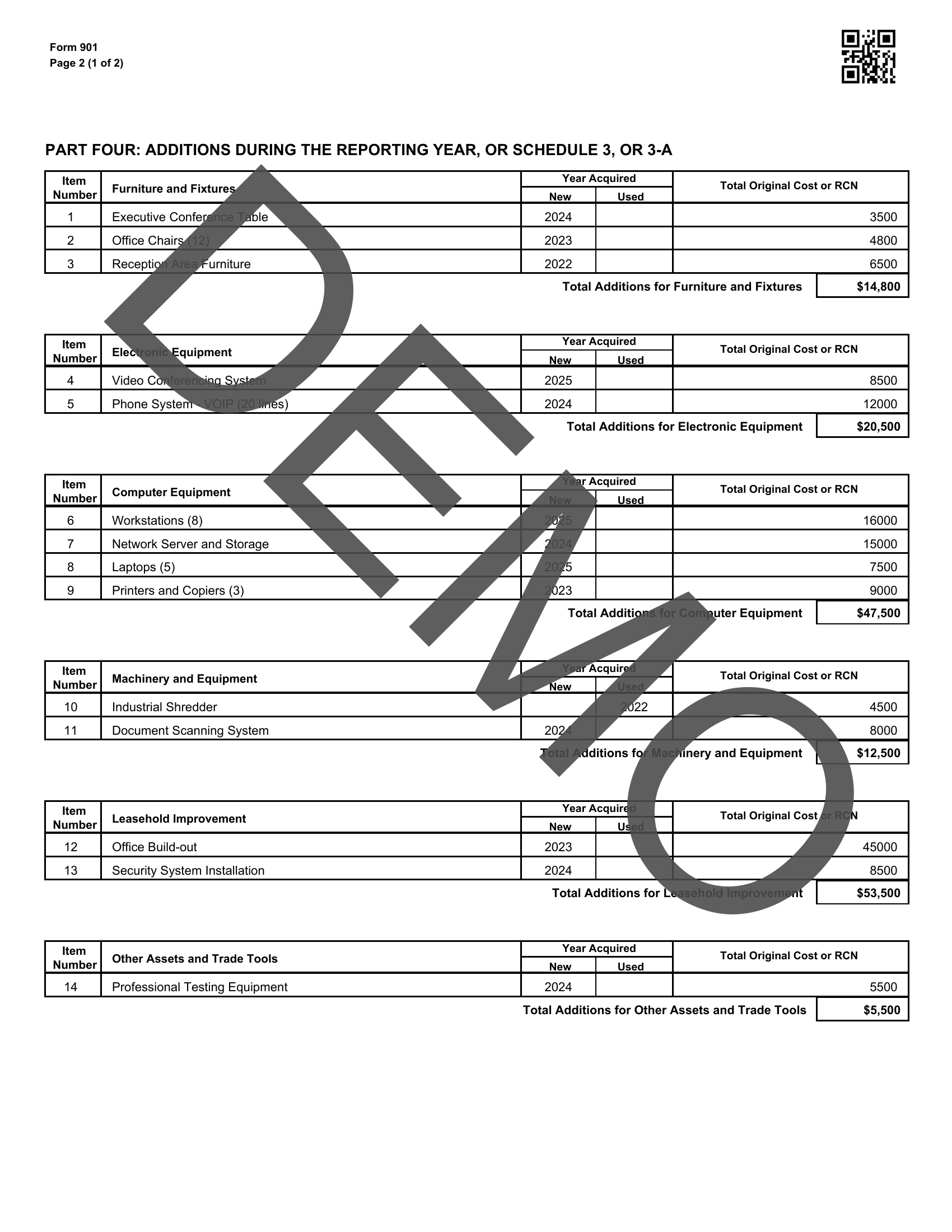
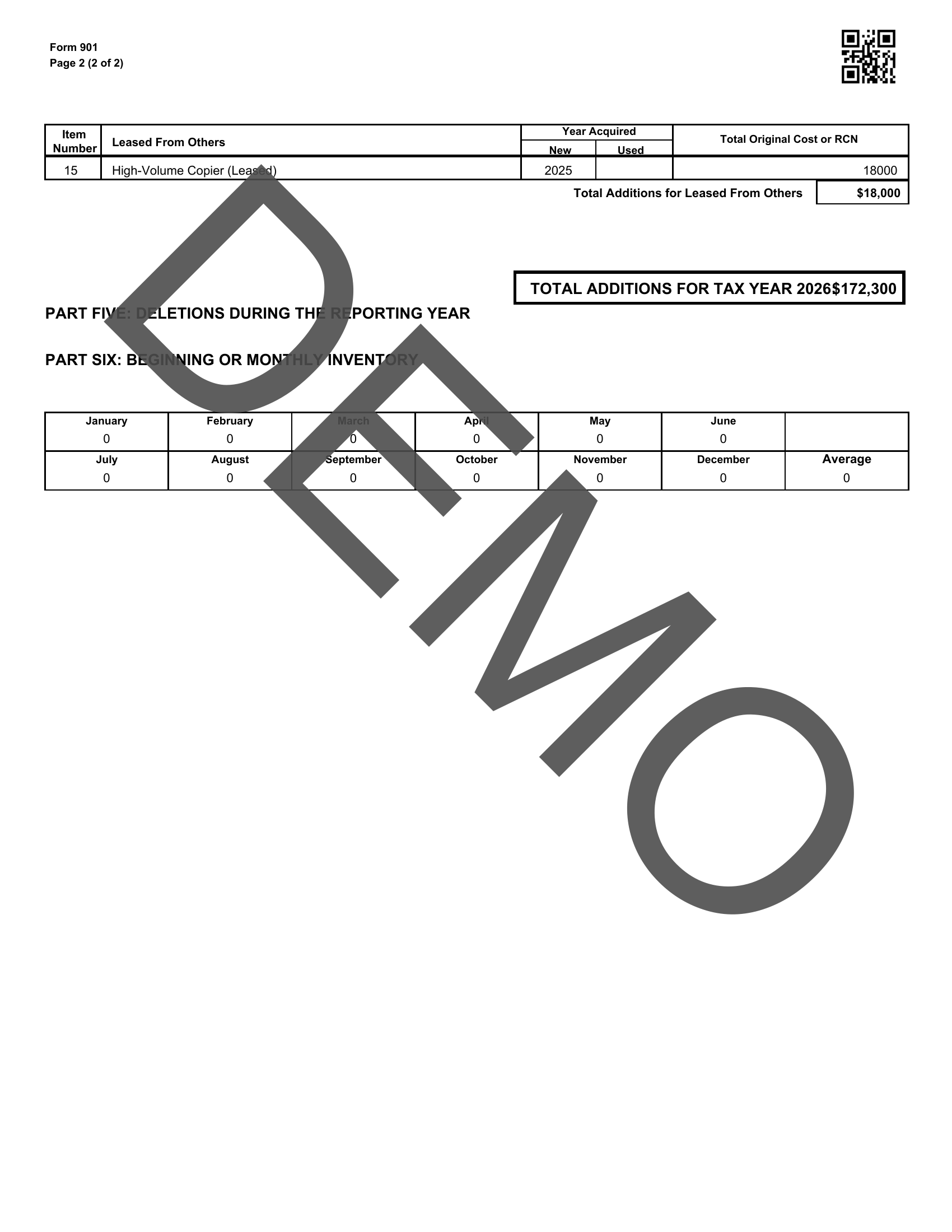
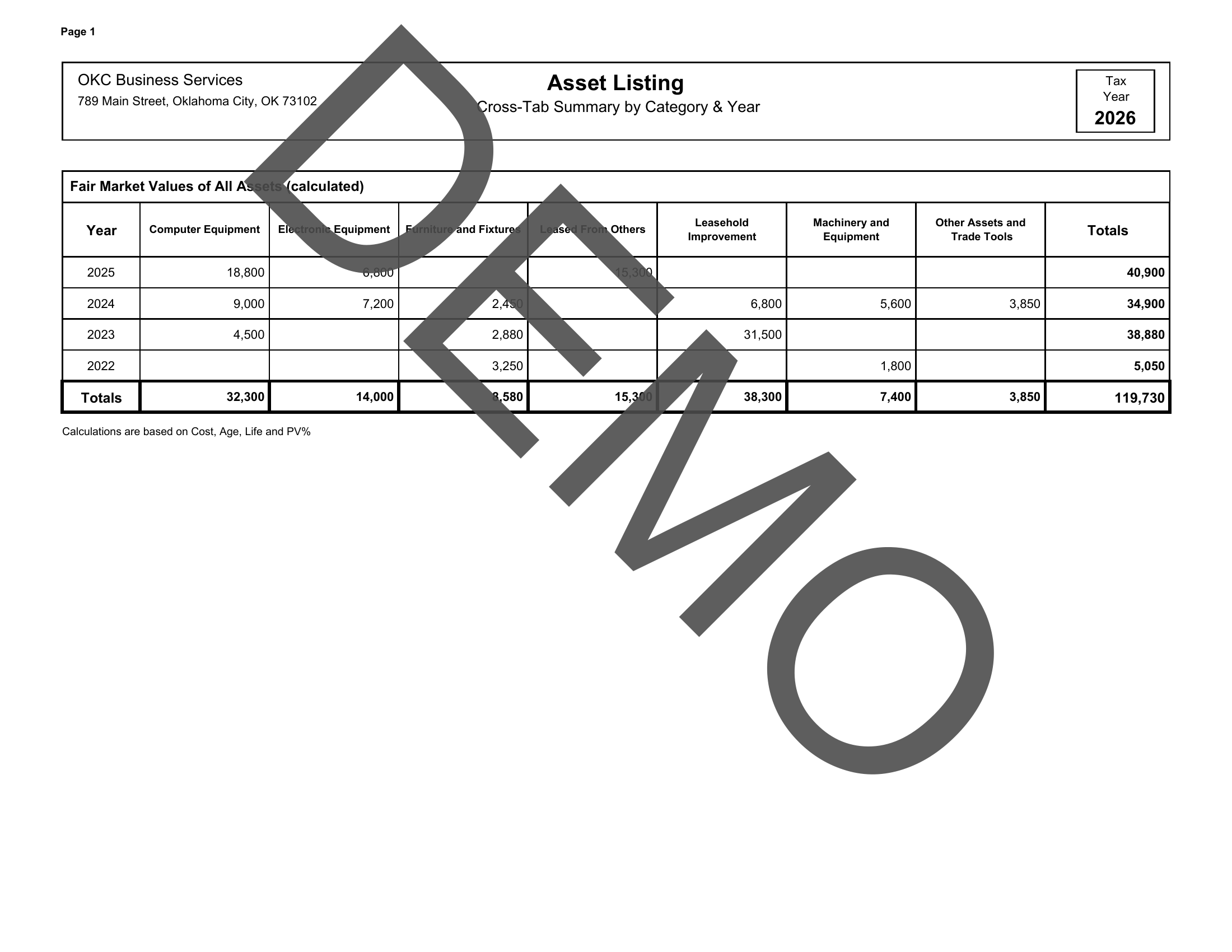
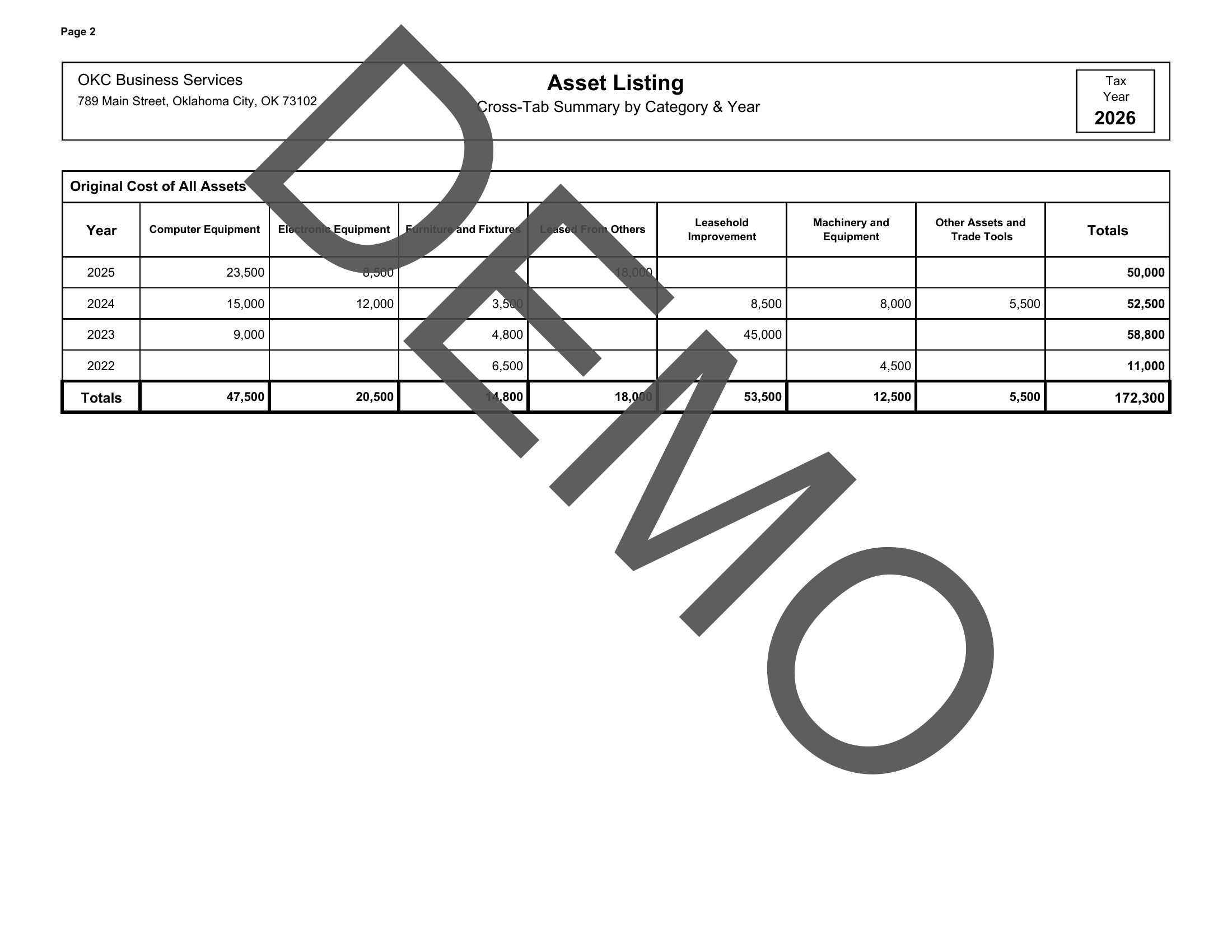
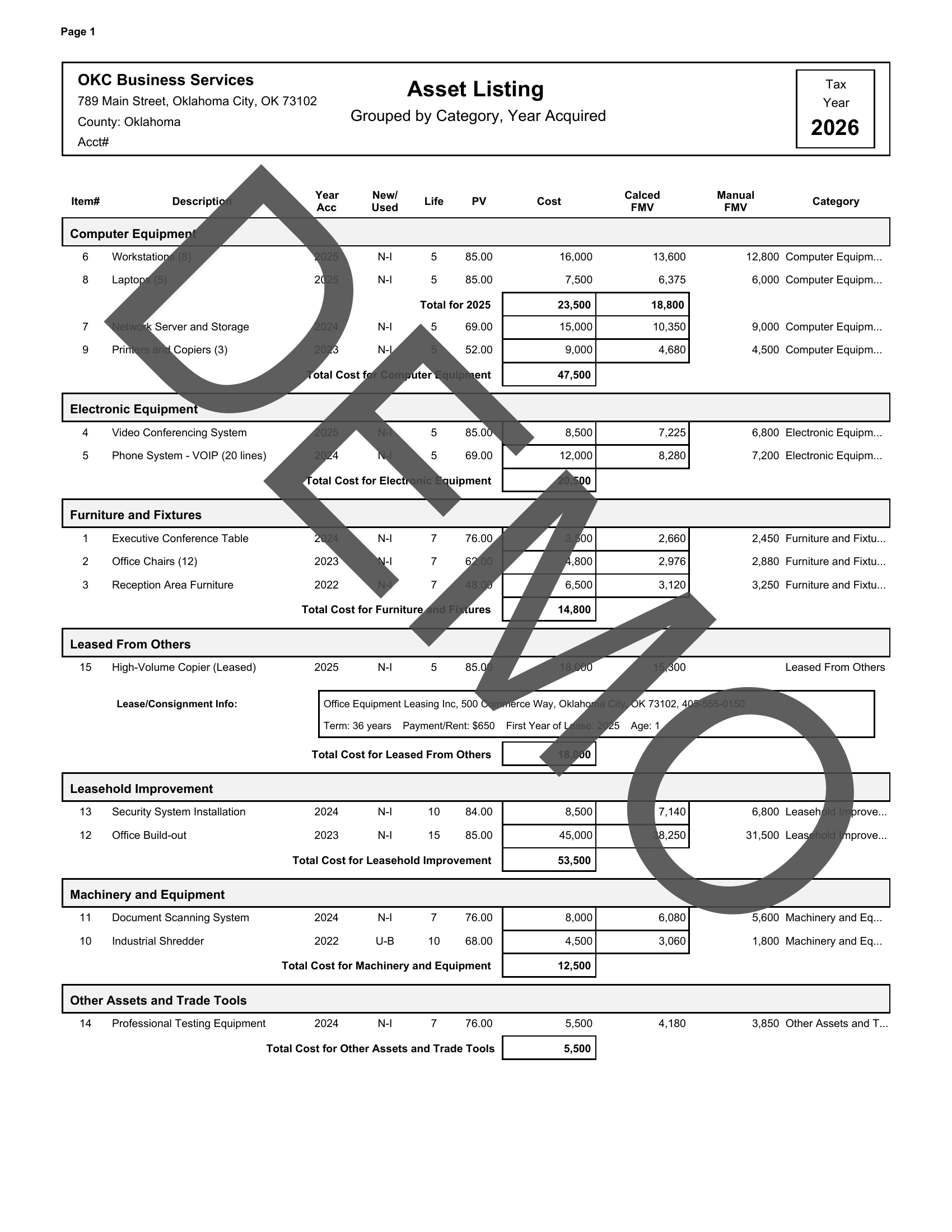
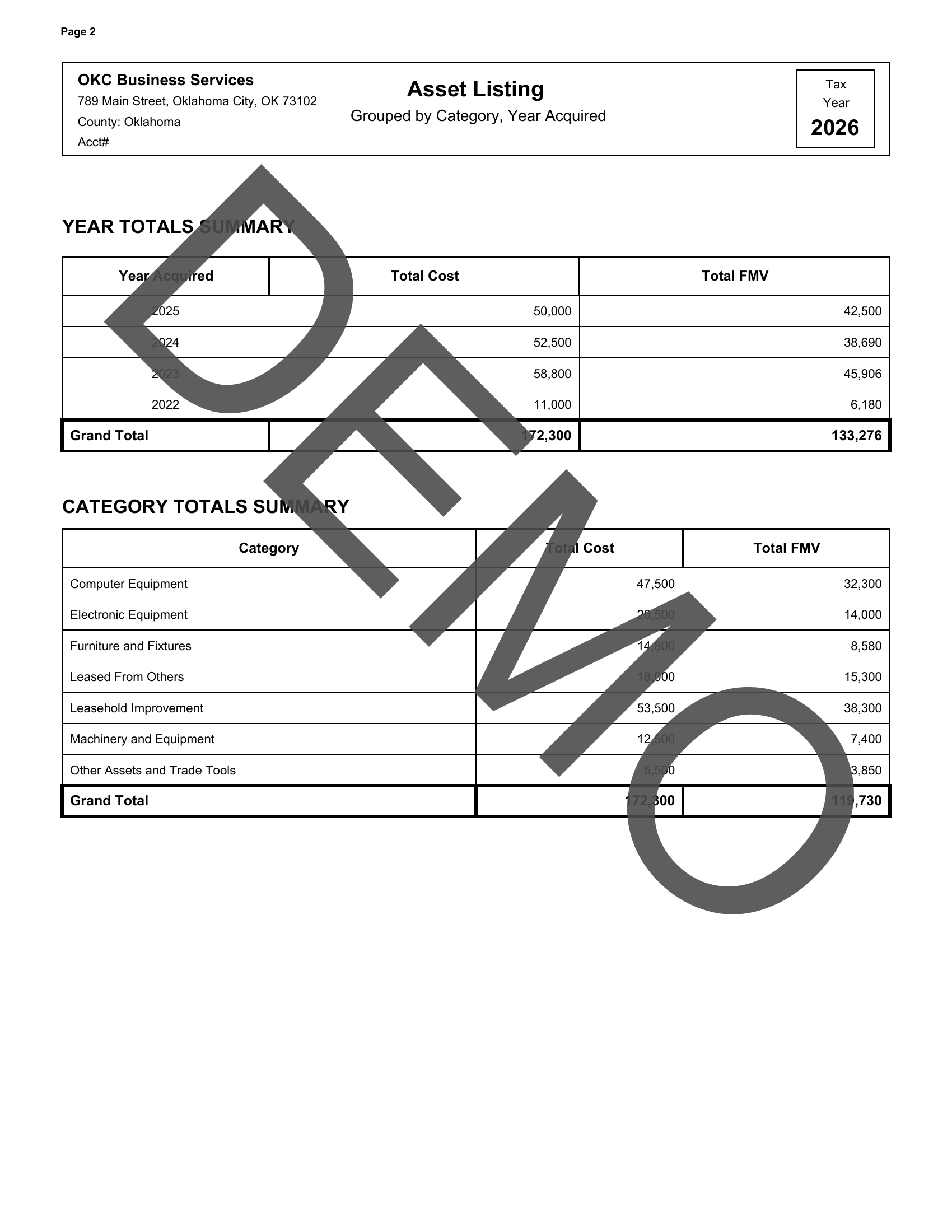
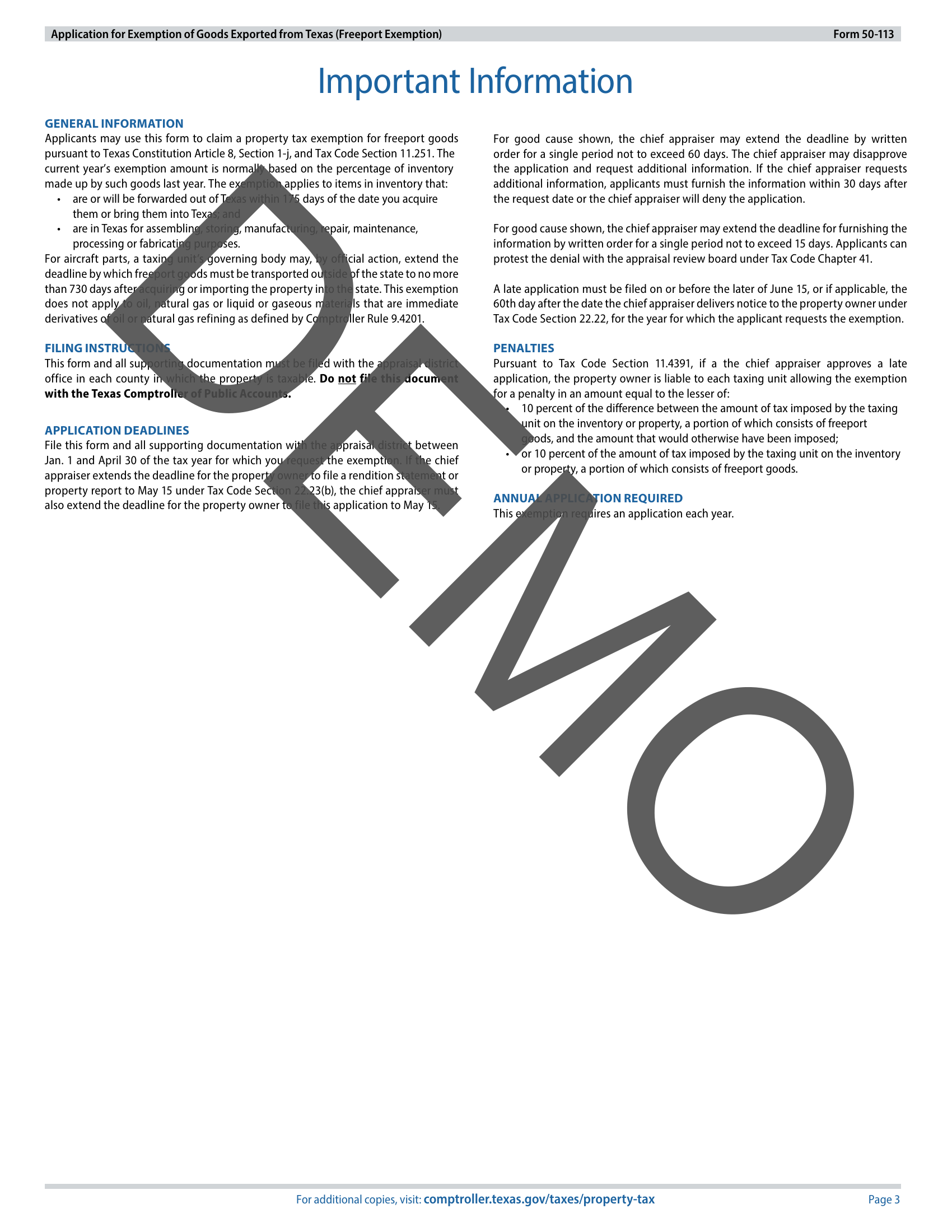
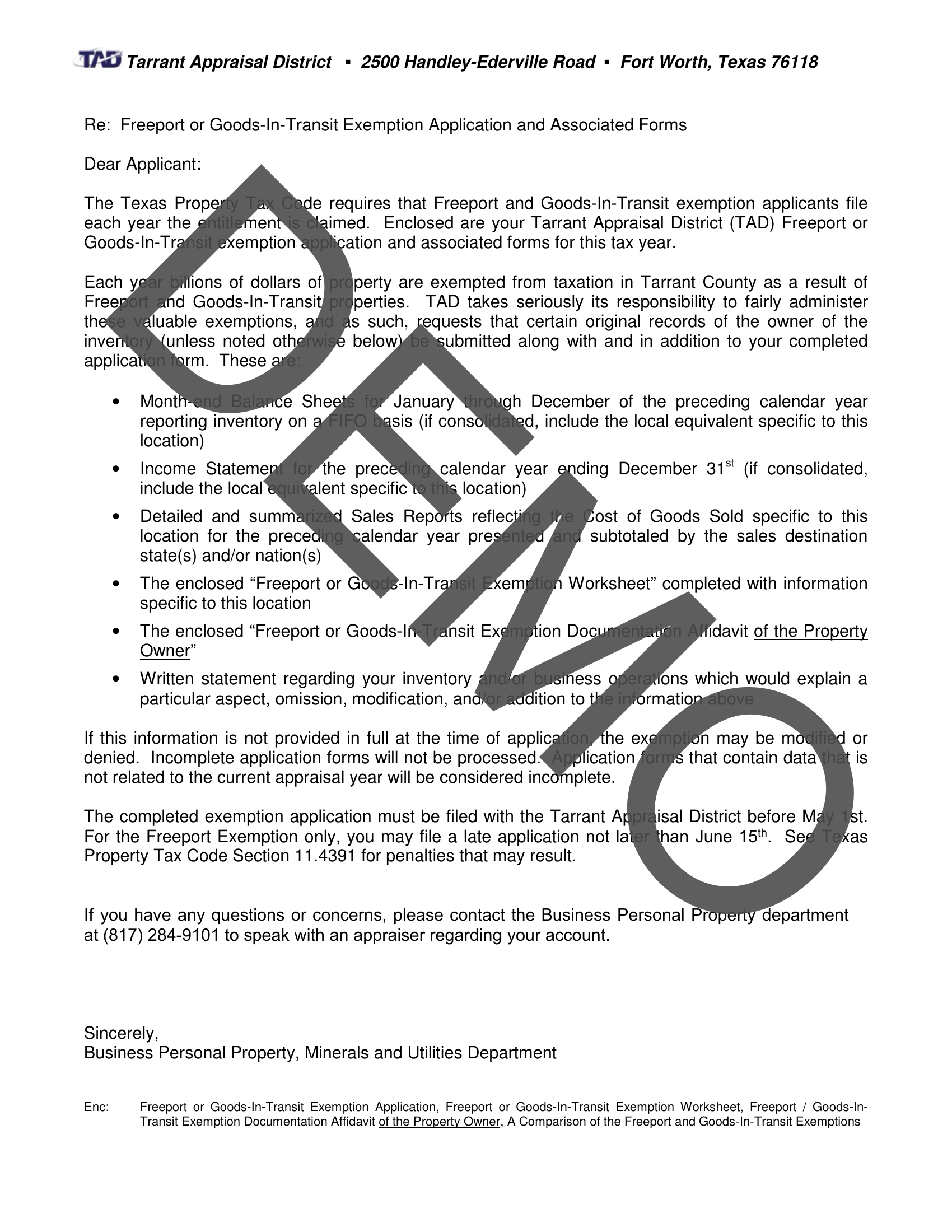
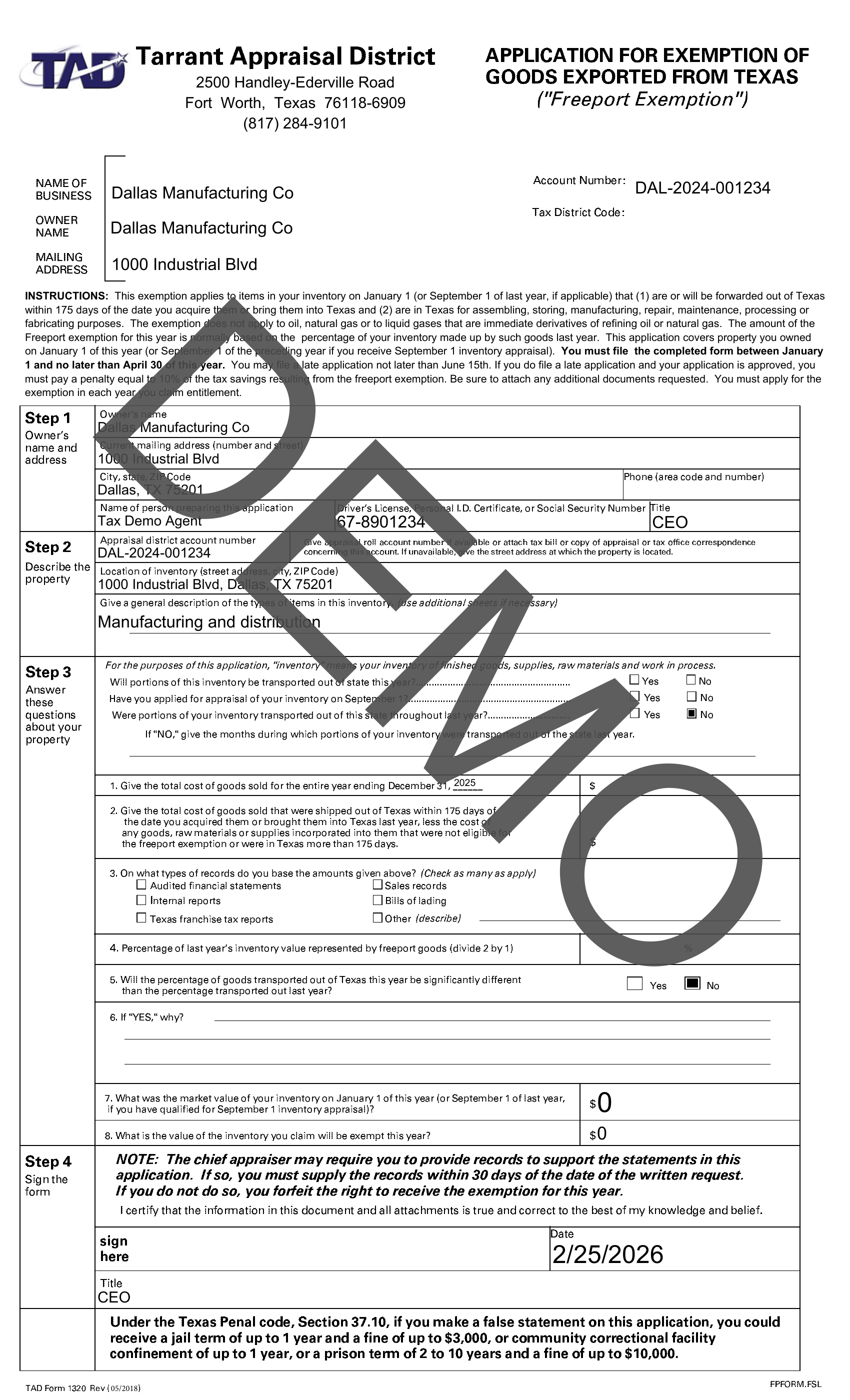
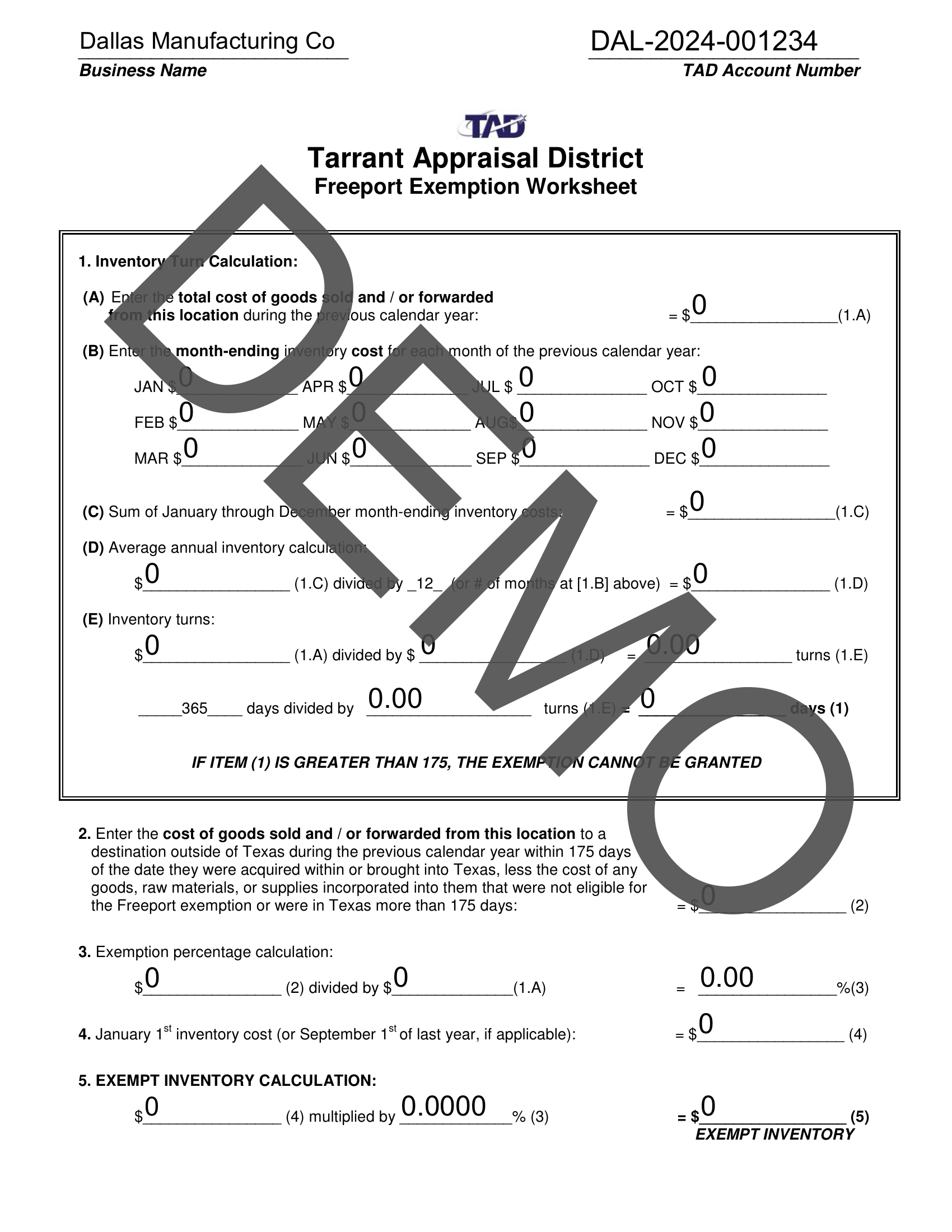
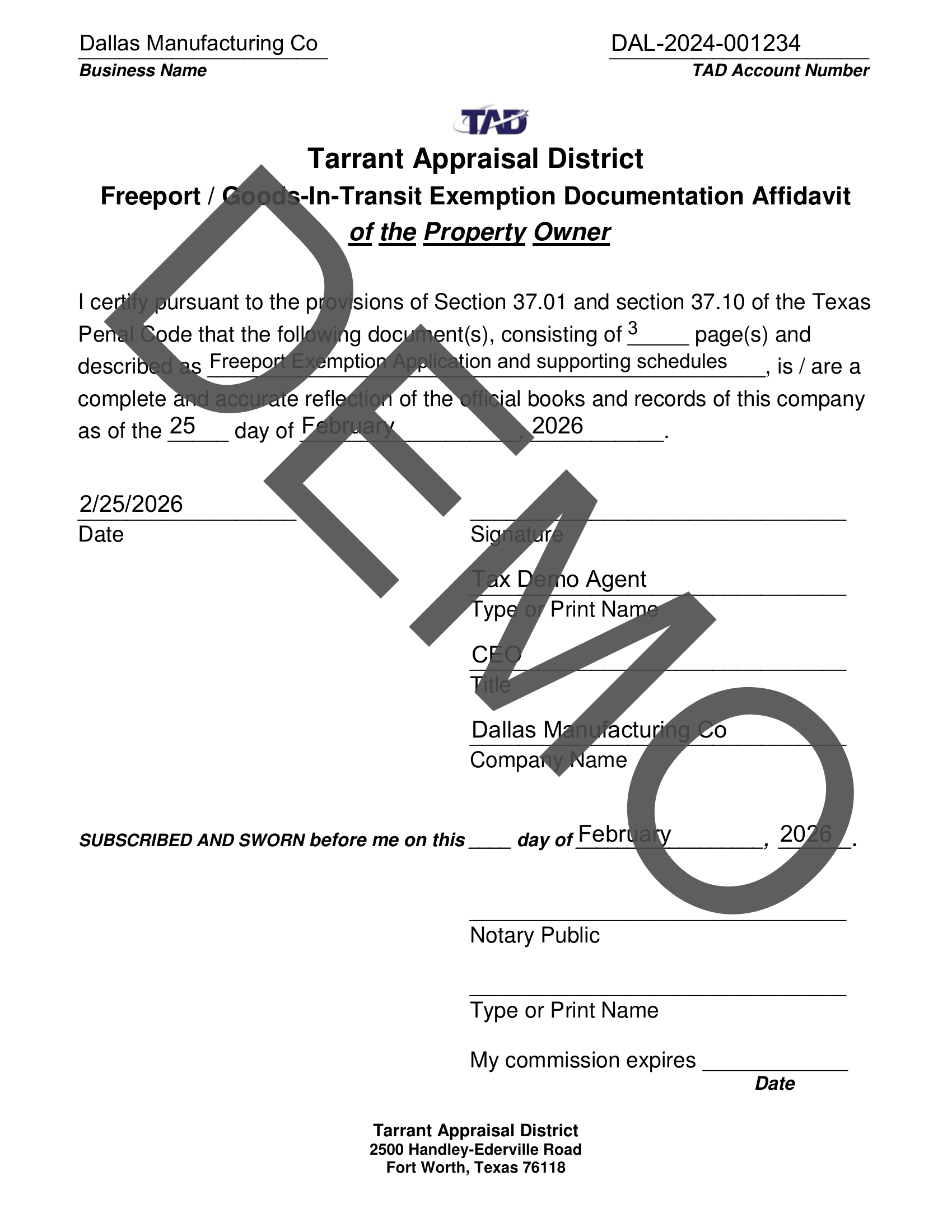
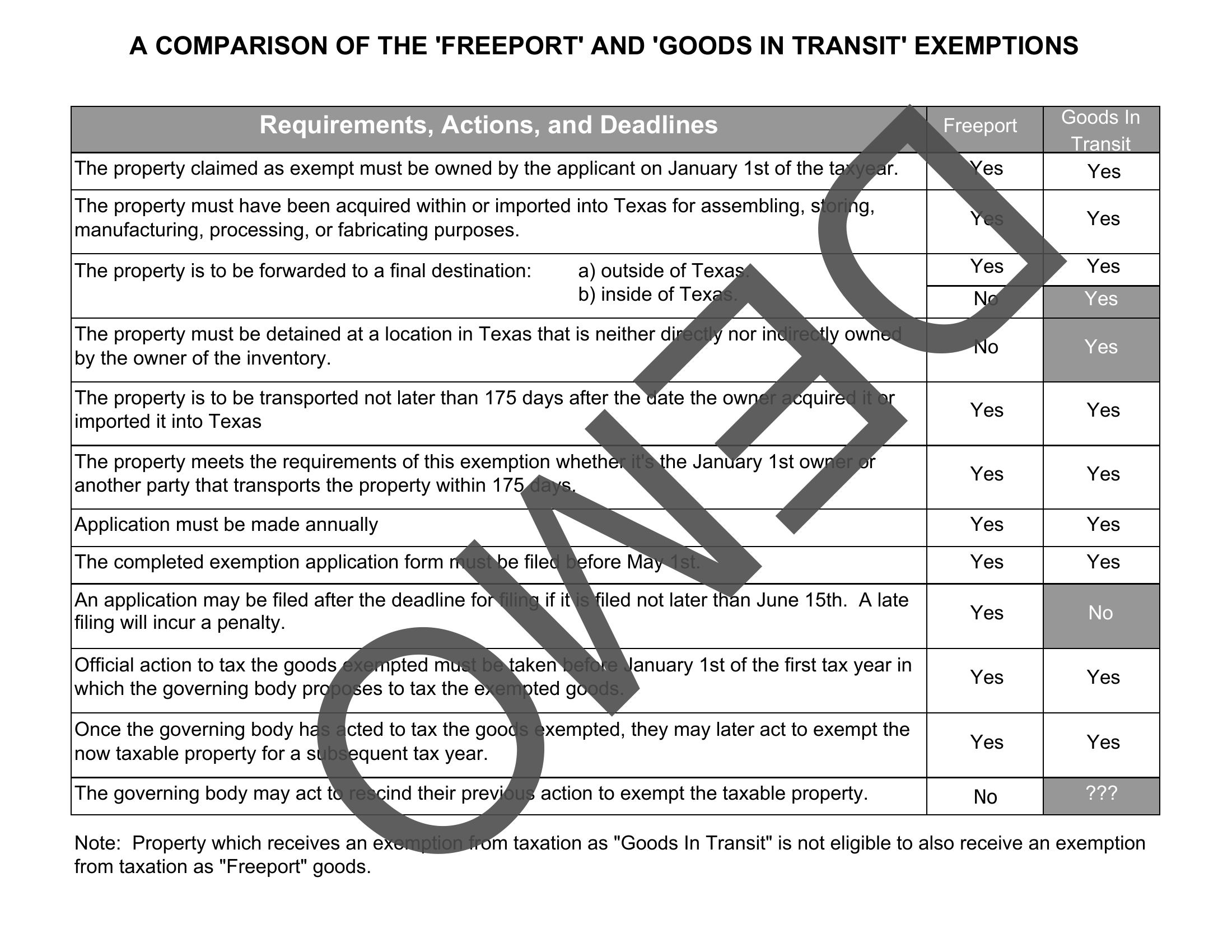
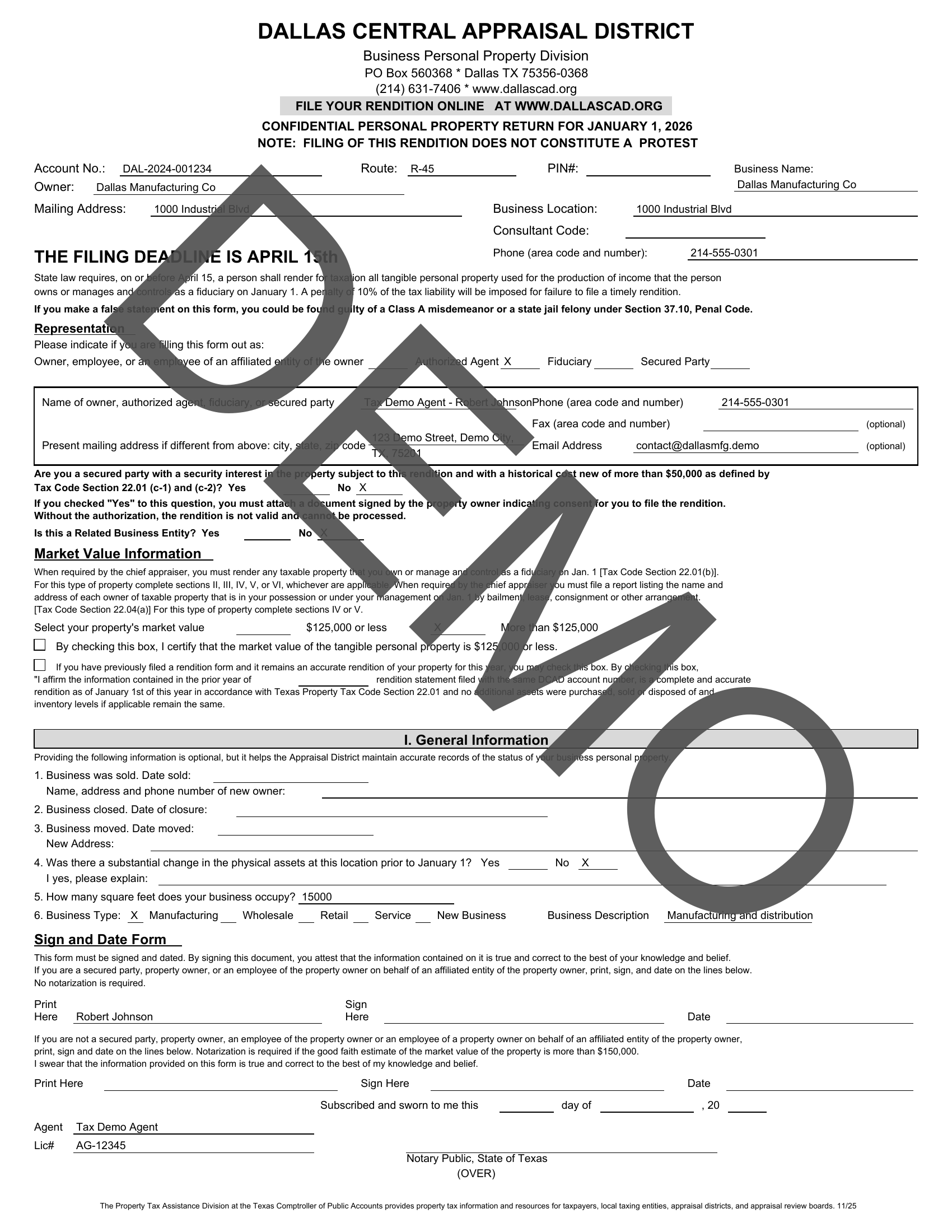
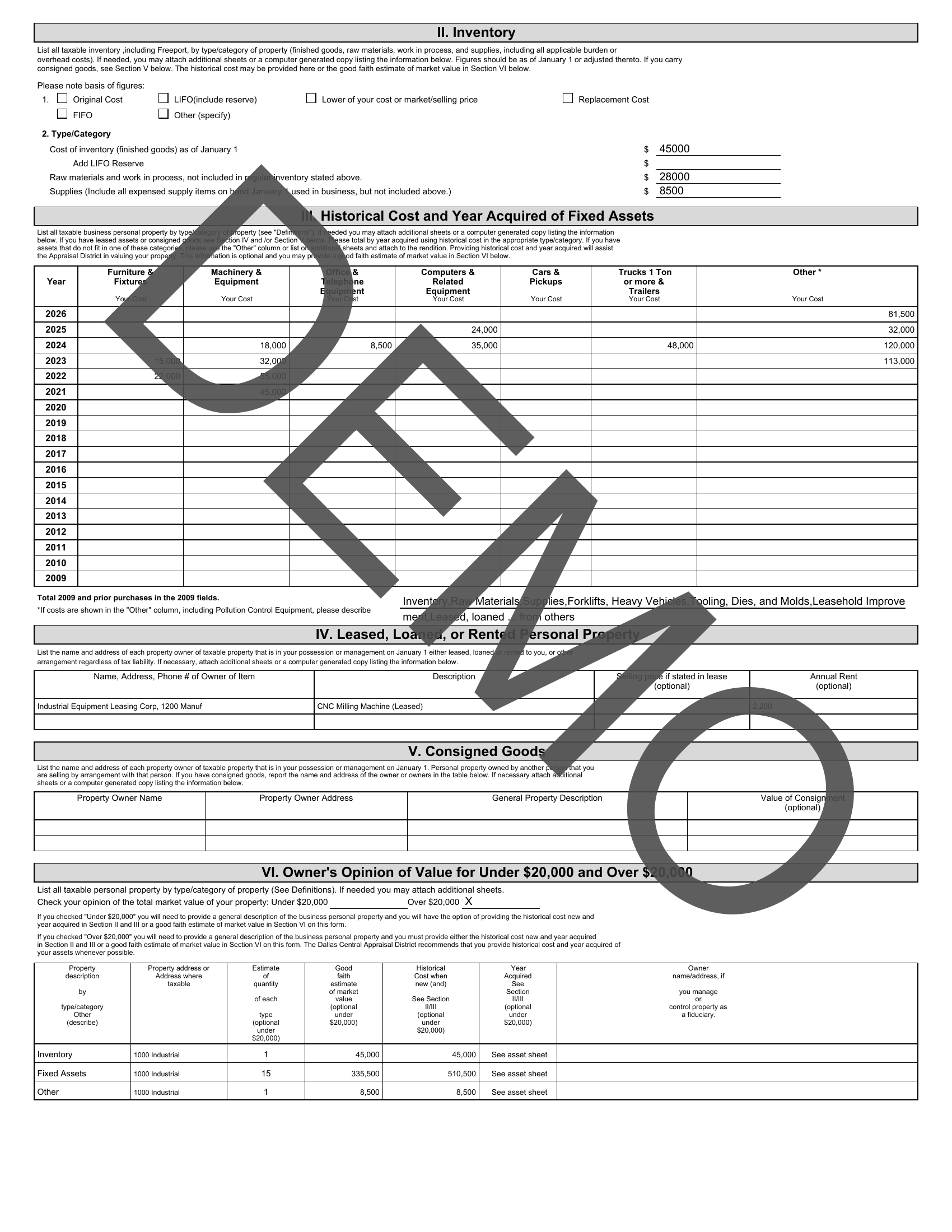
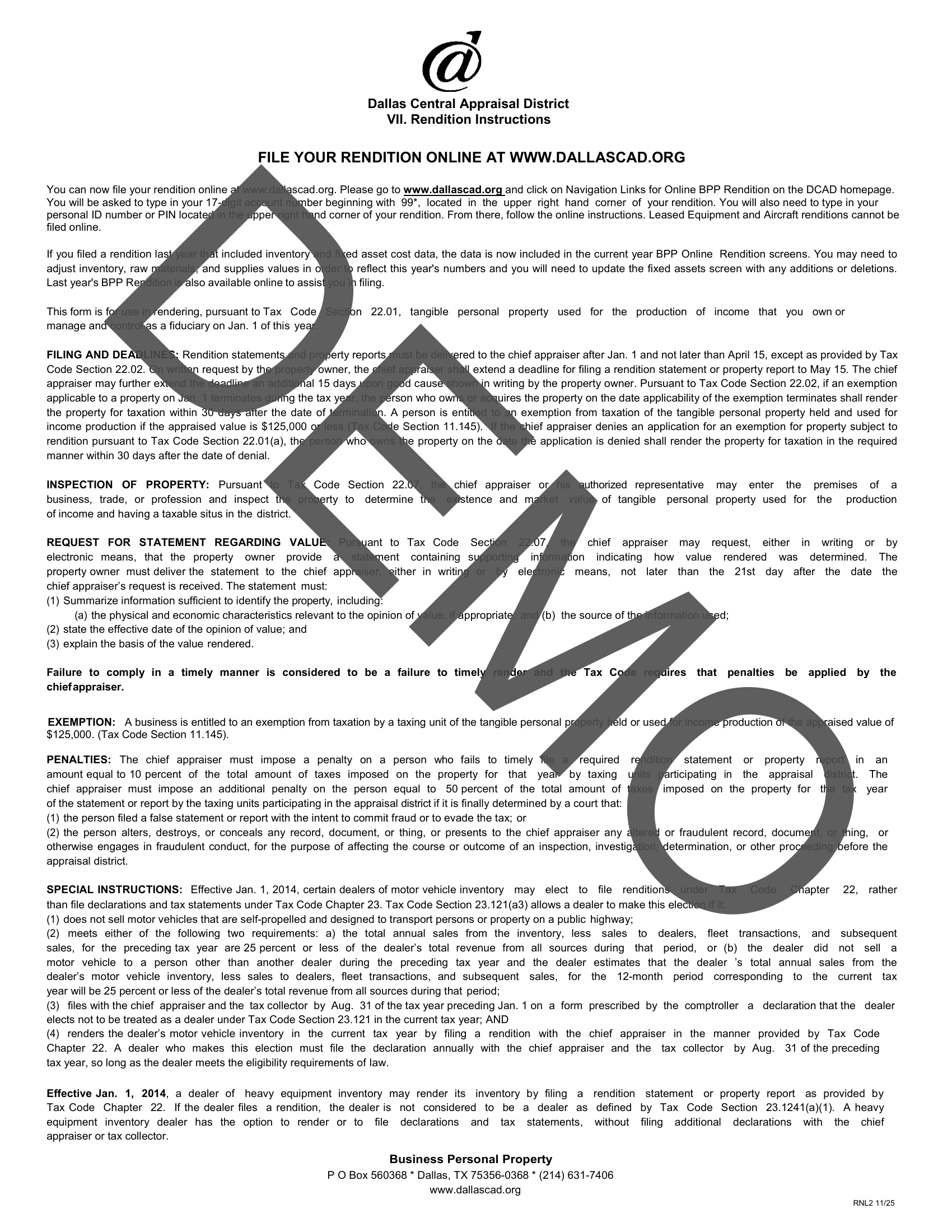
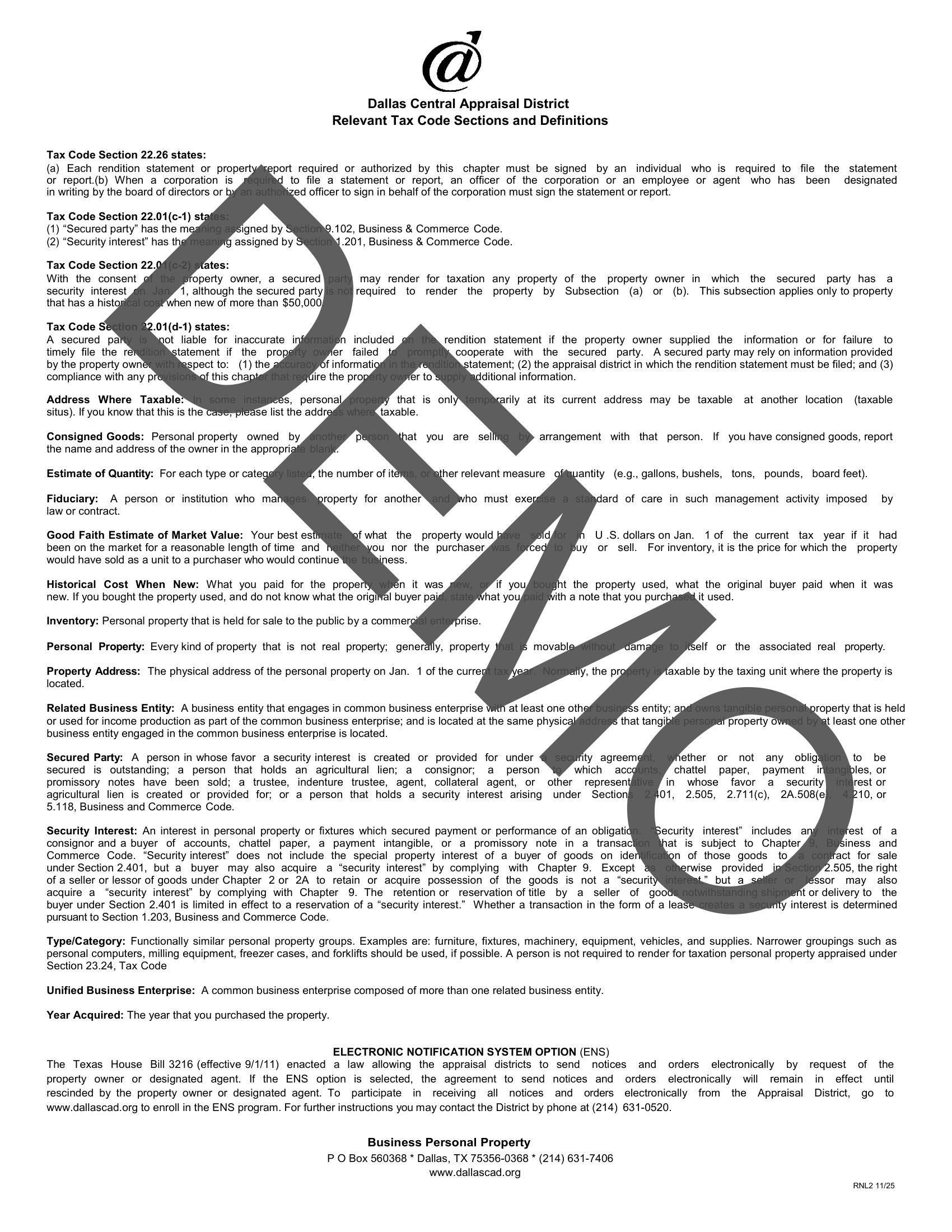
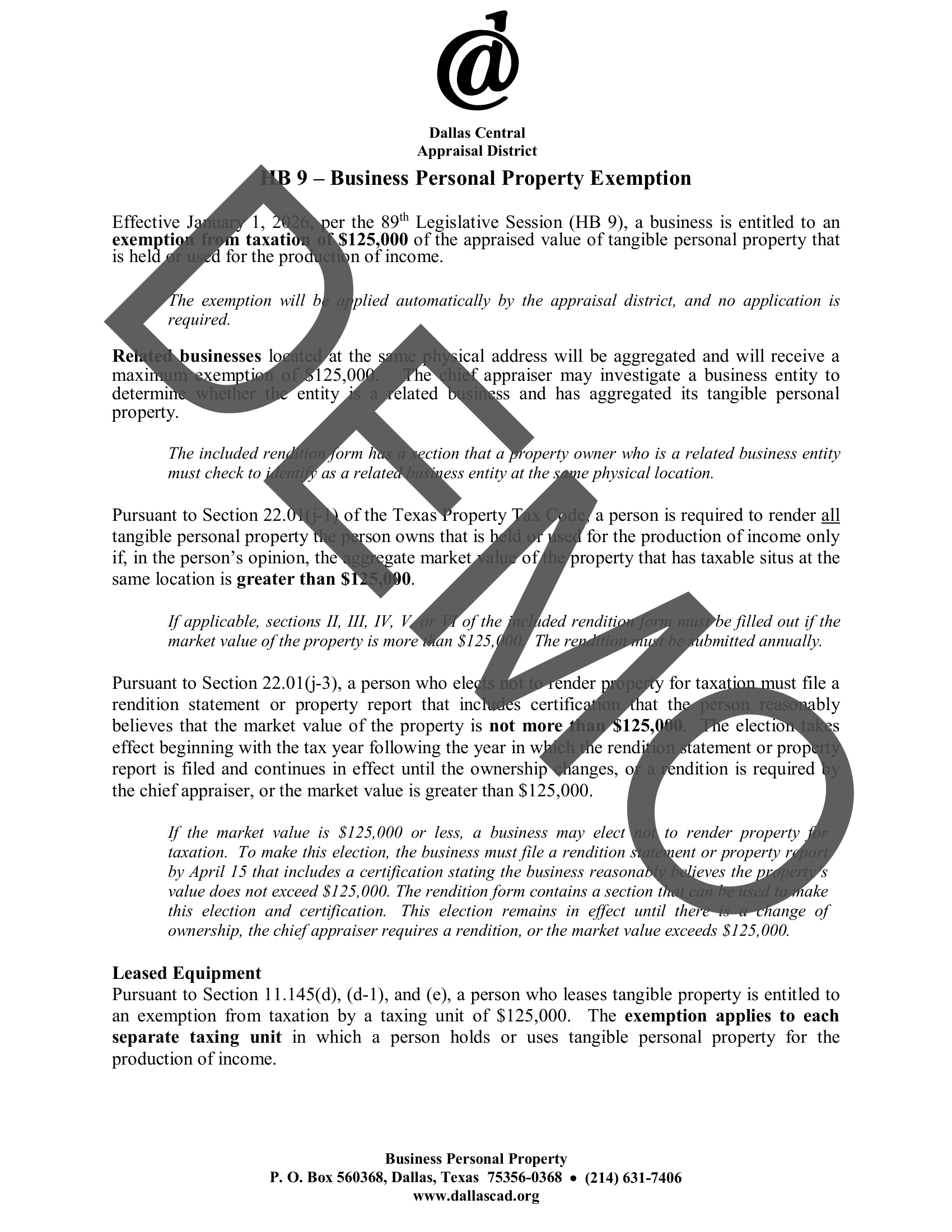
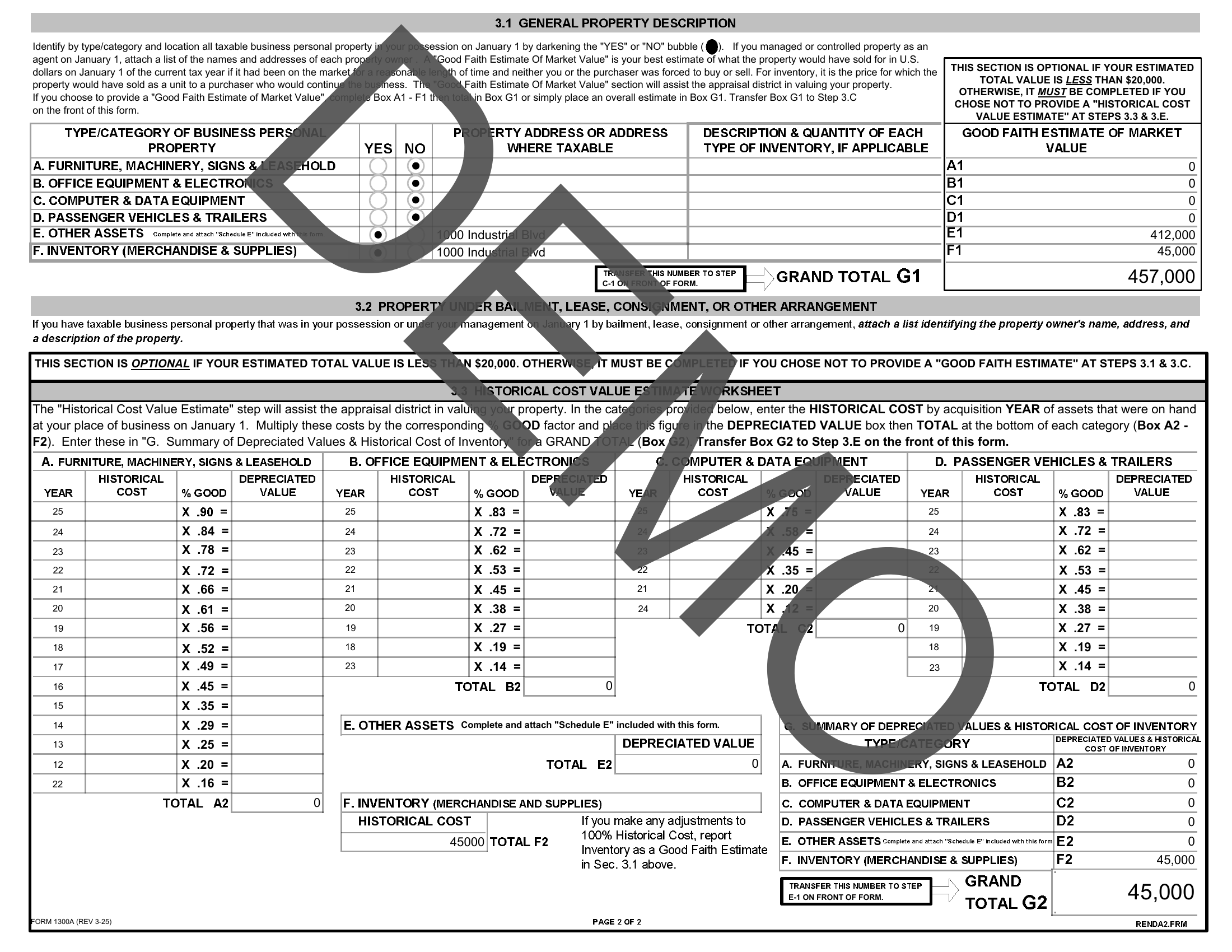
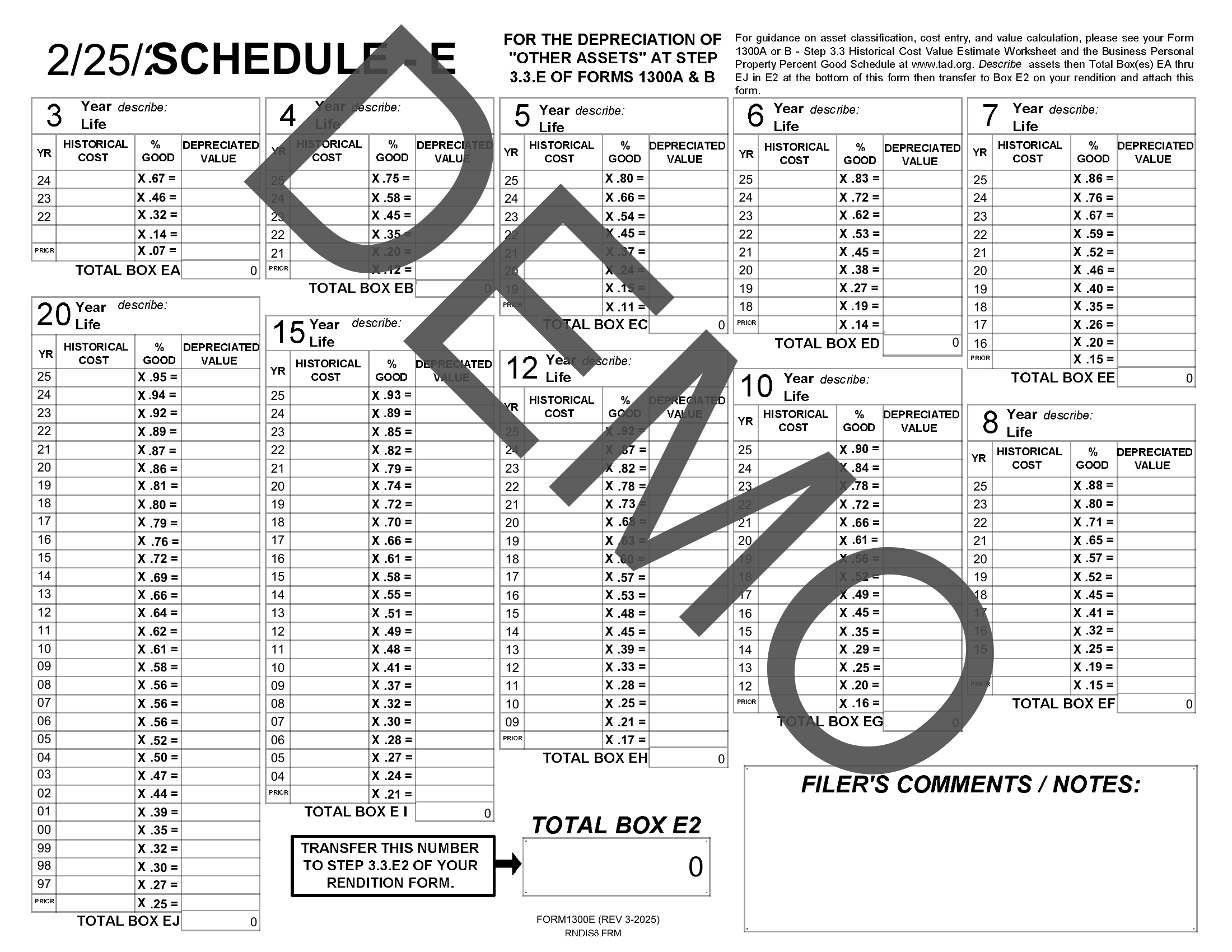
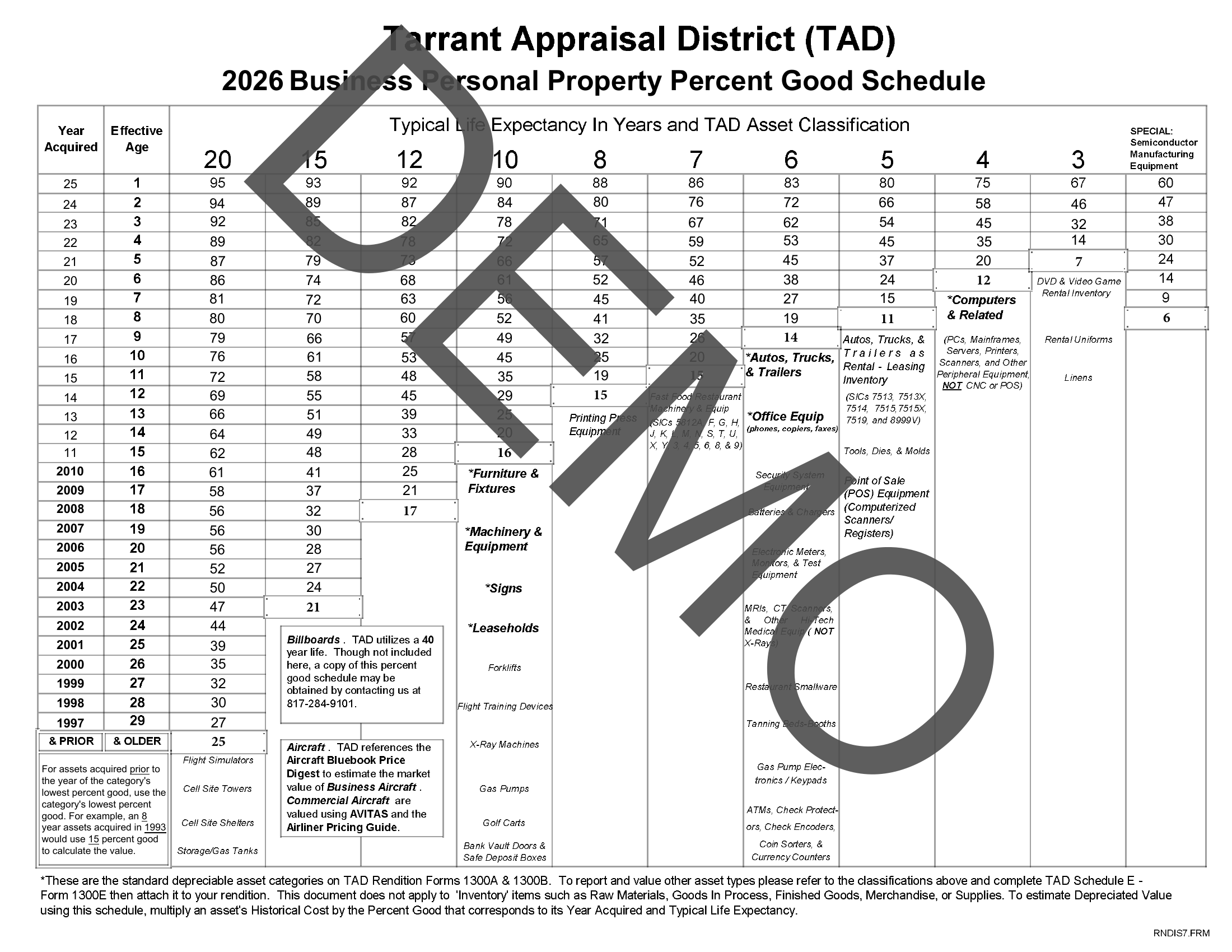
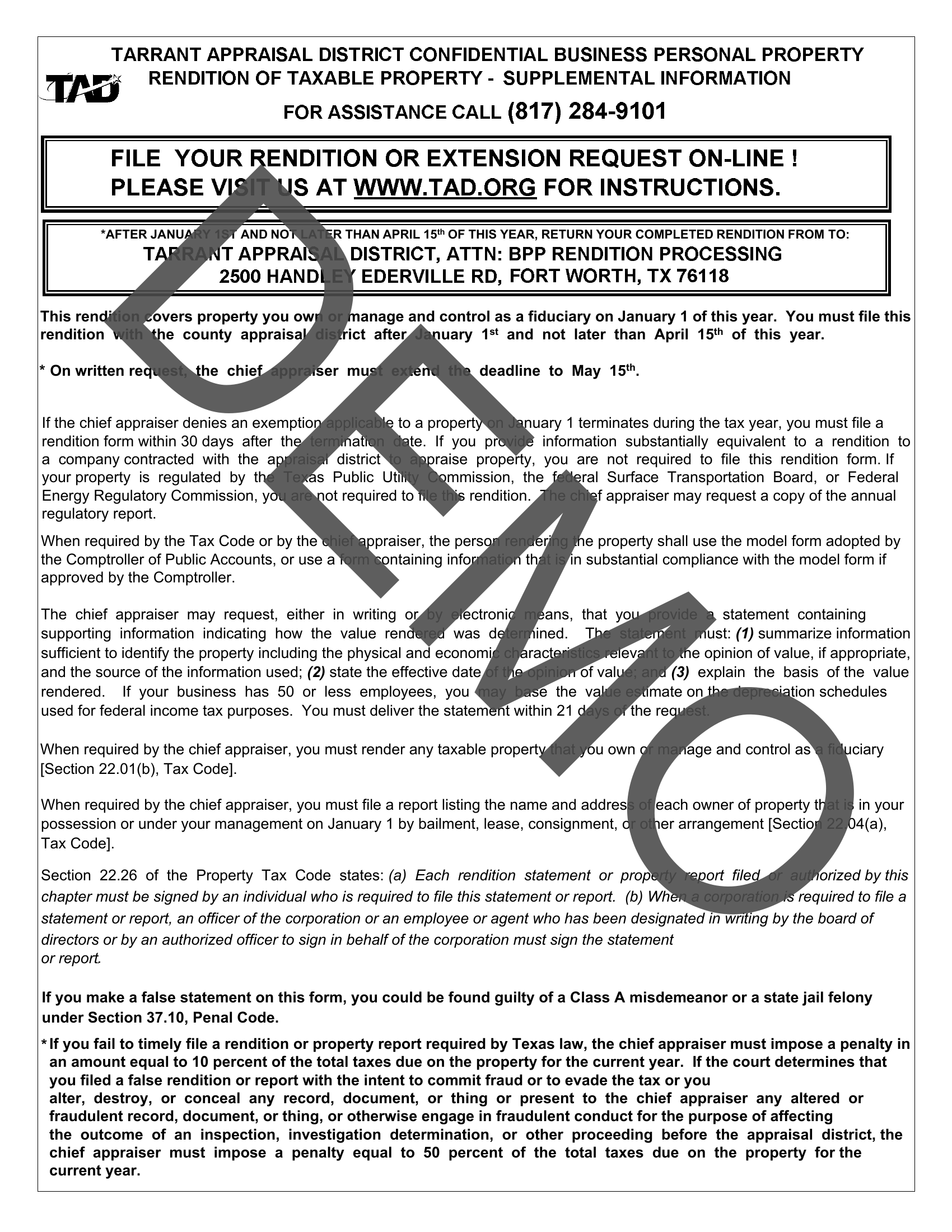
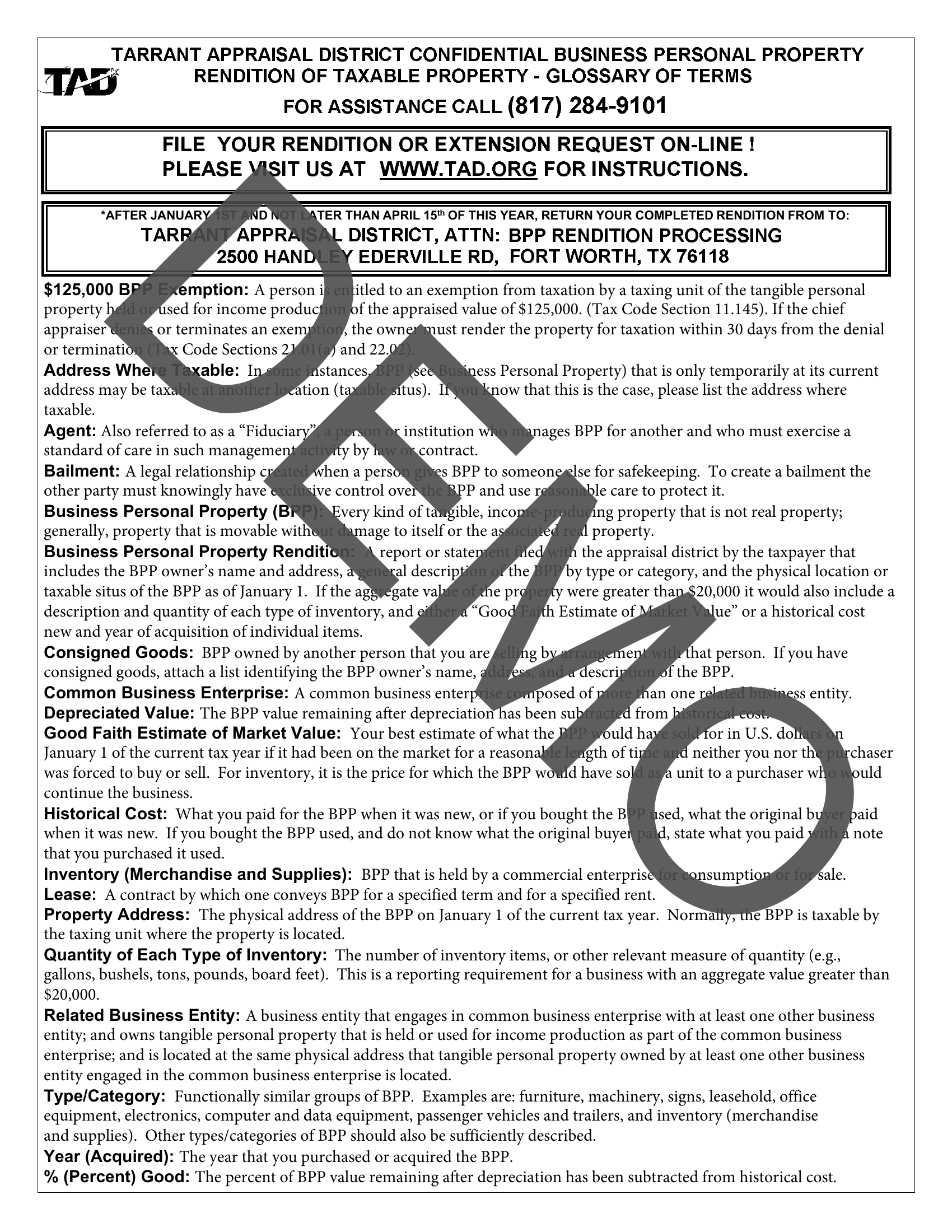
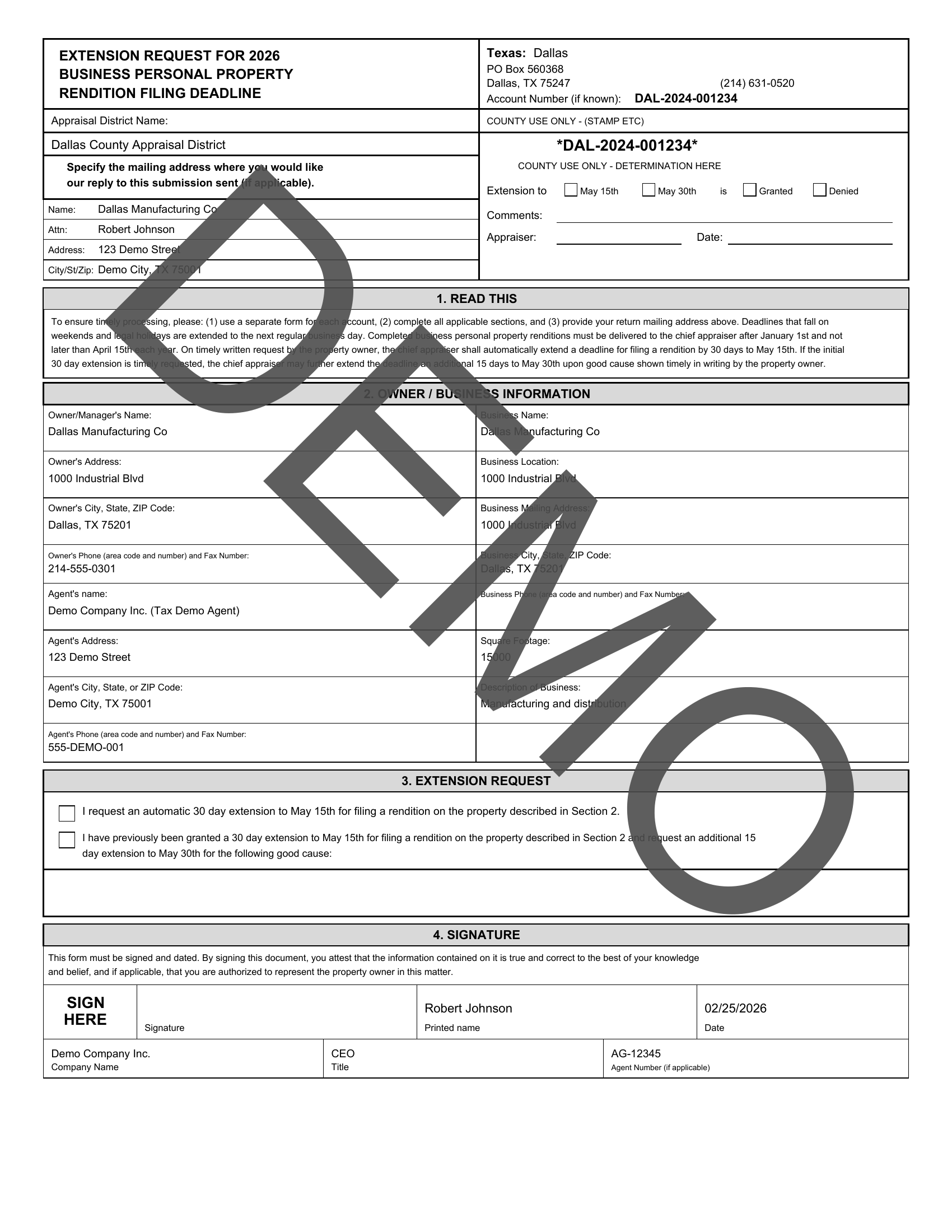
Click a state to expand its forms, then click any form to see sample screenshots of the generated output.
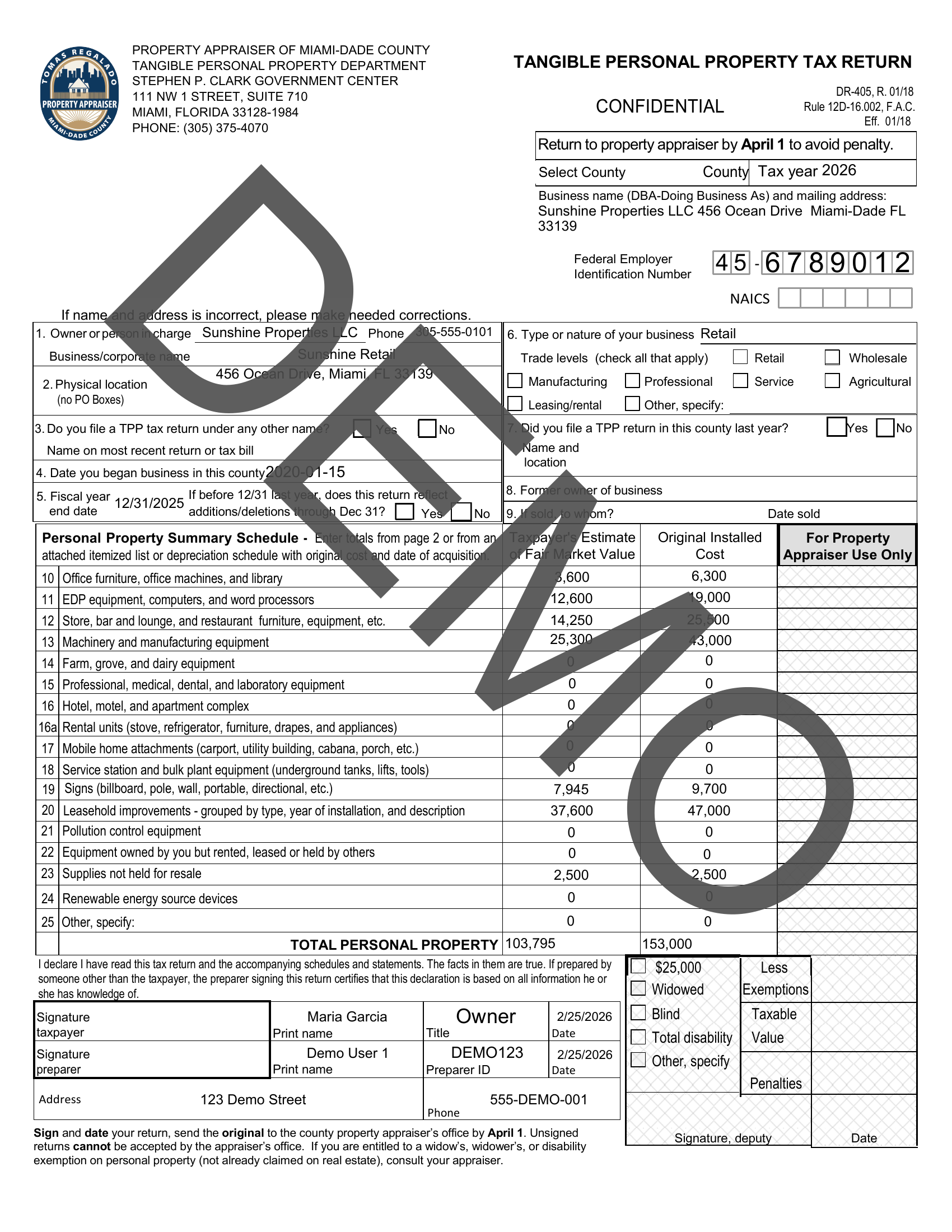
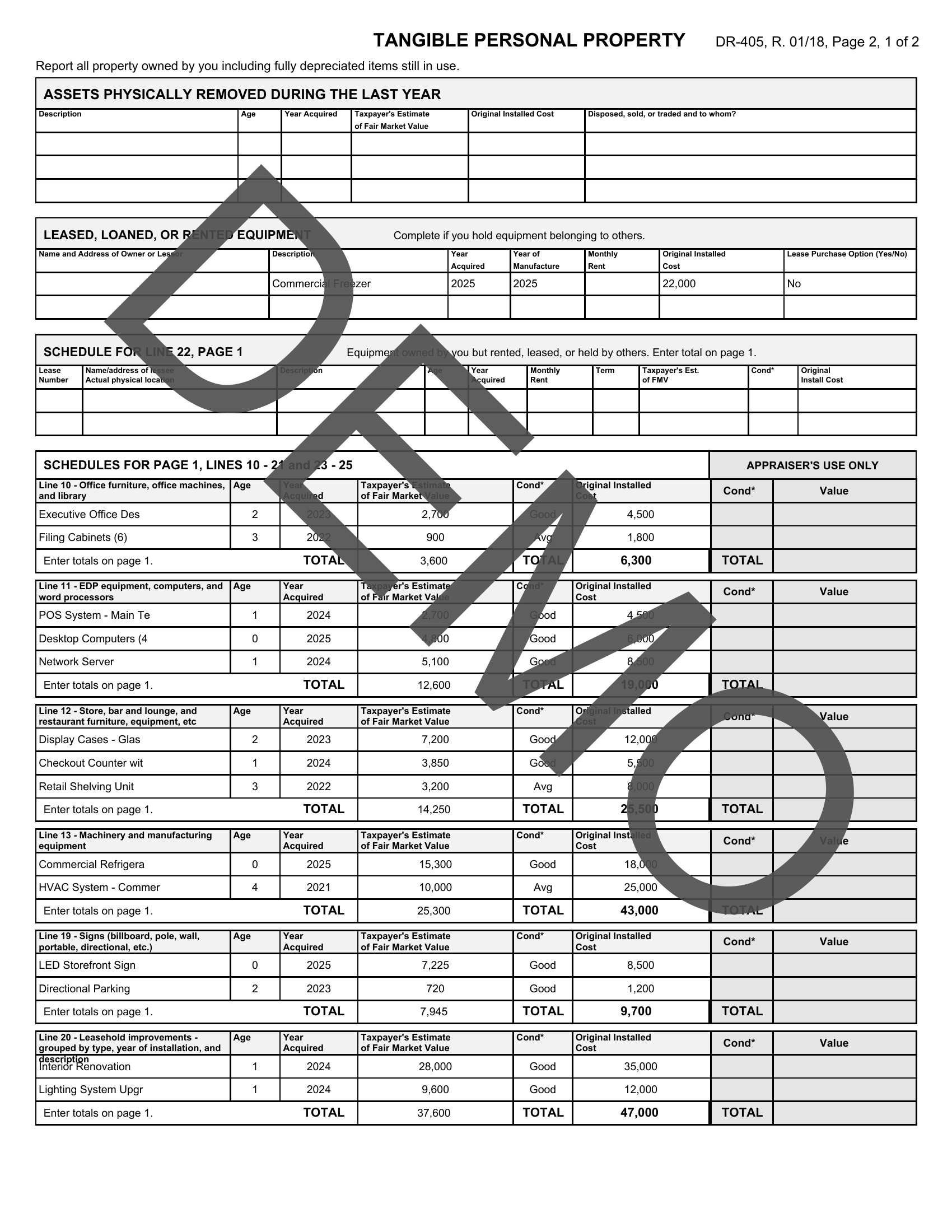
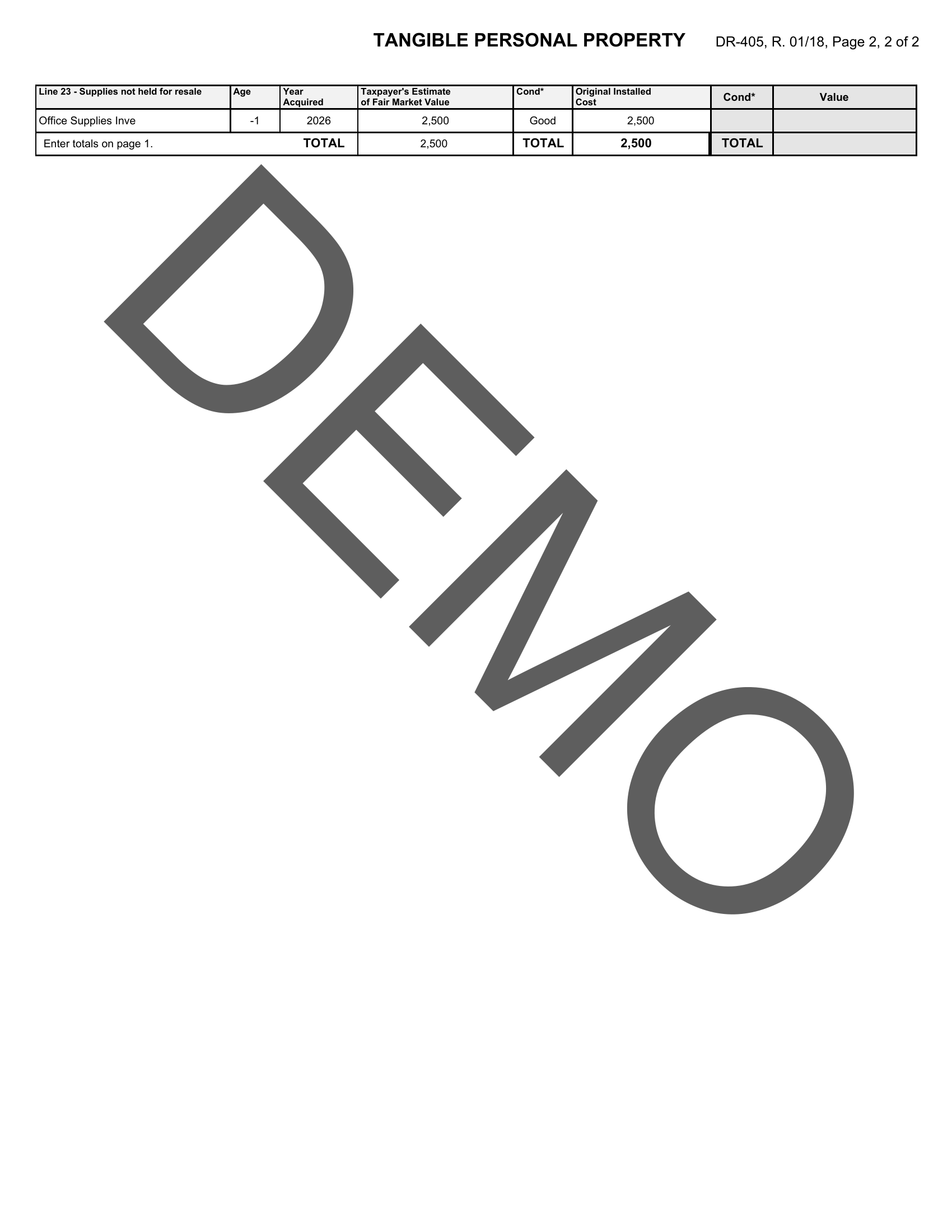
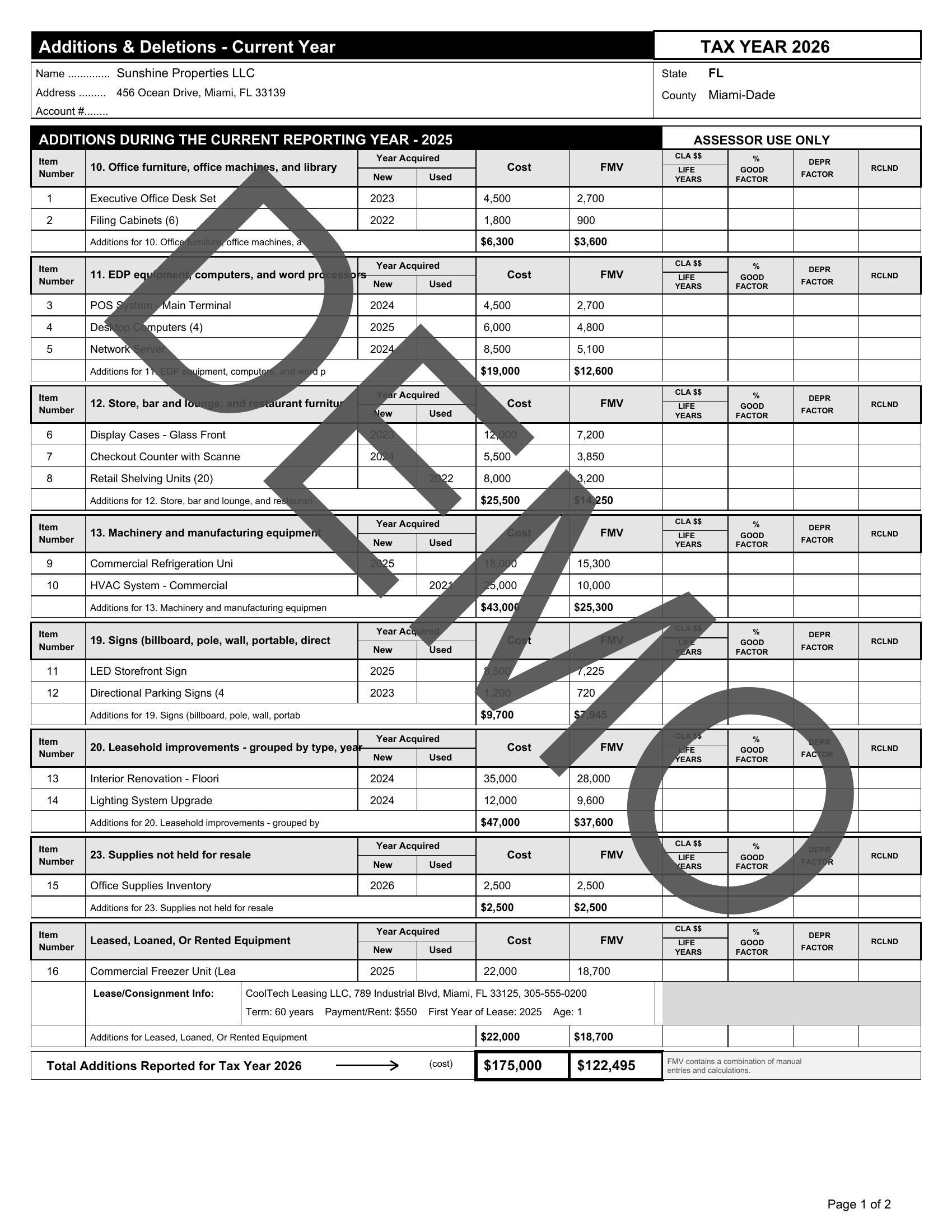
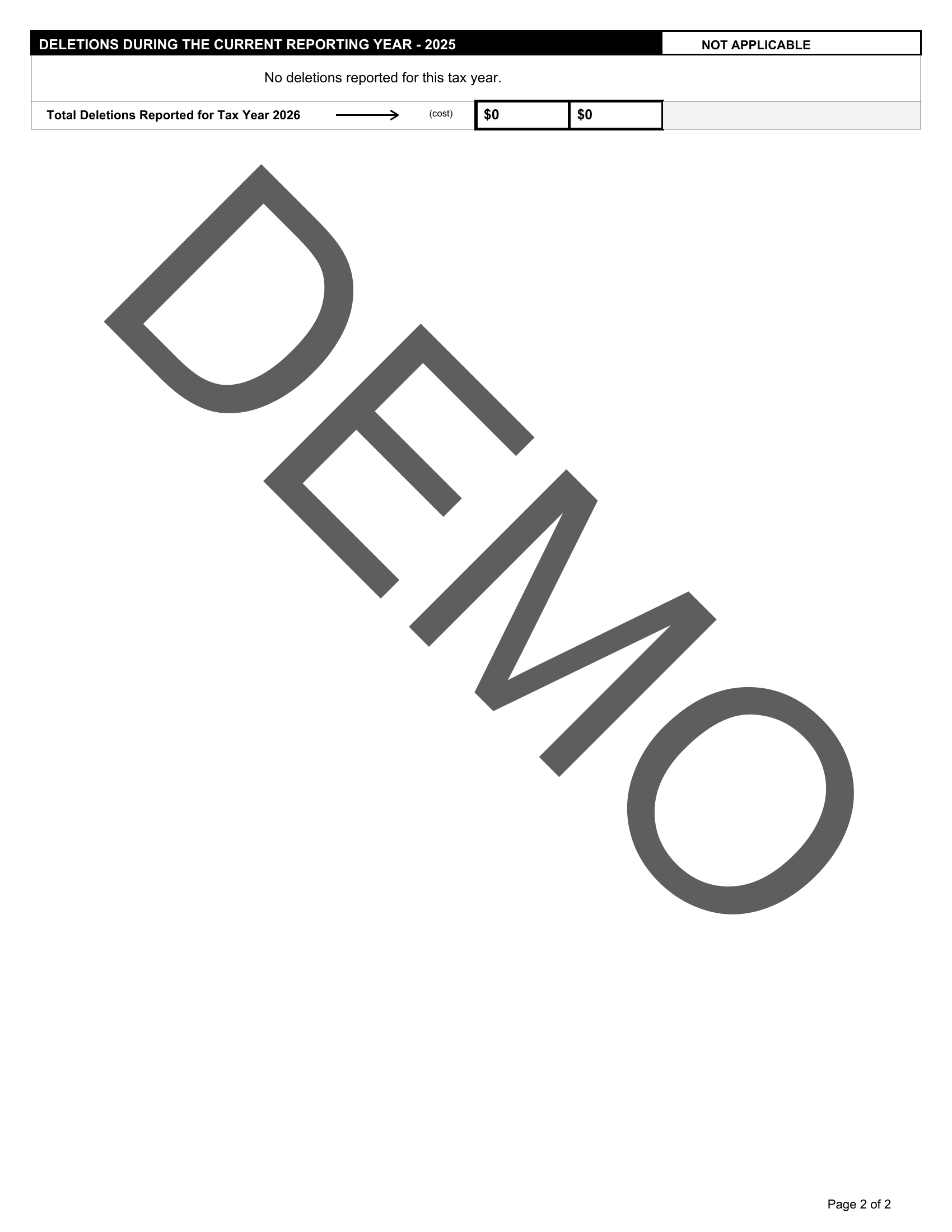
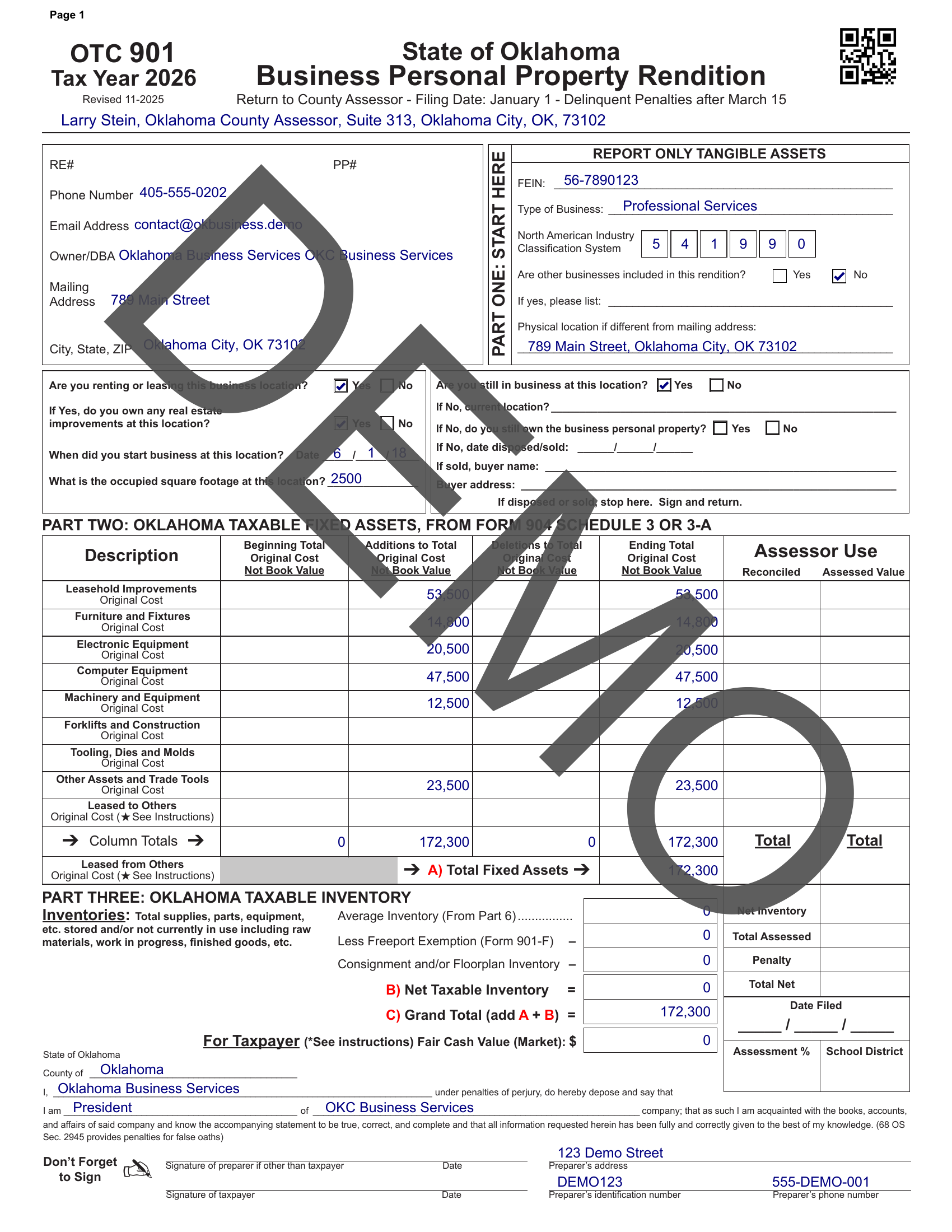
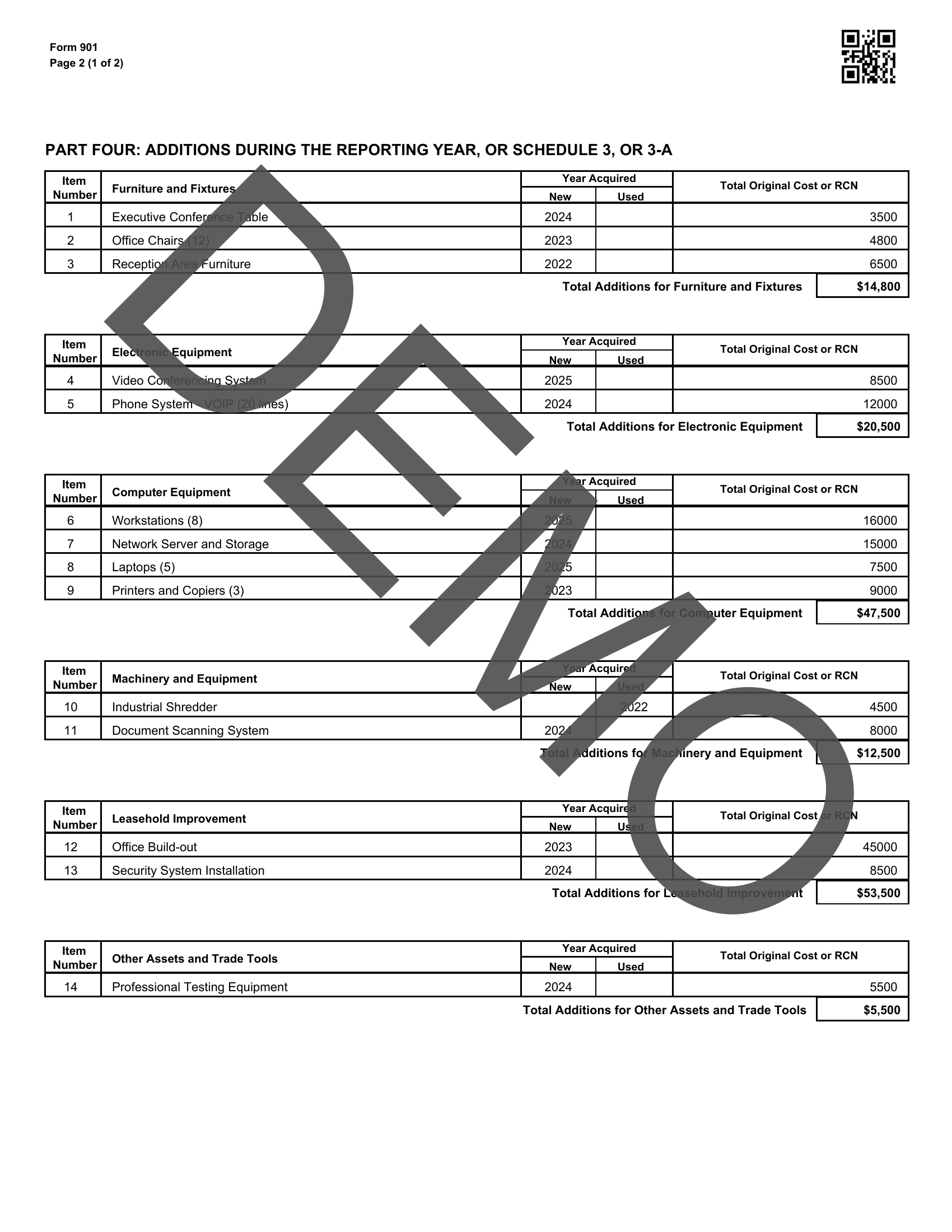
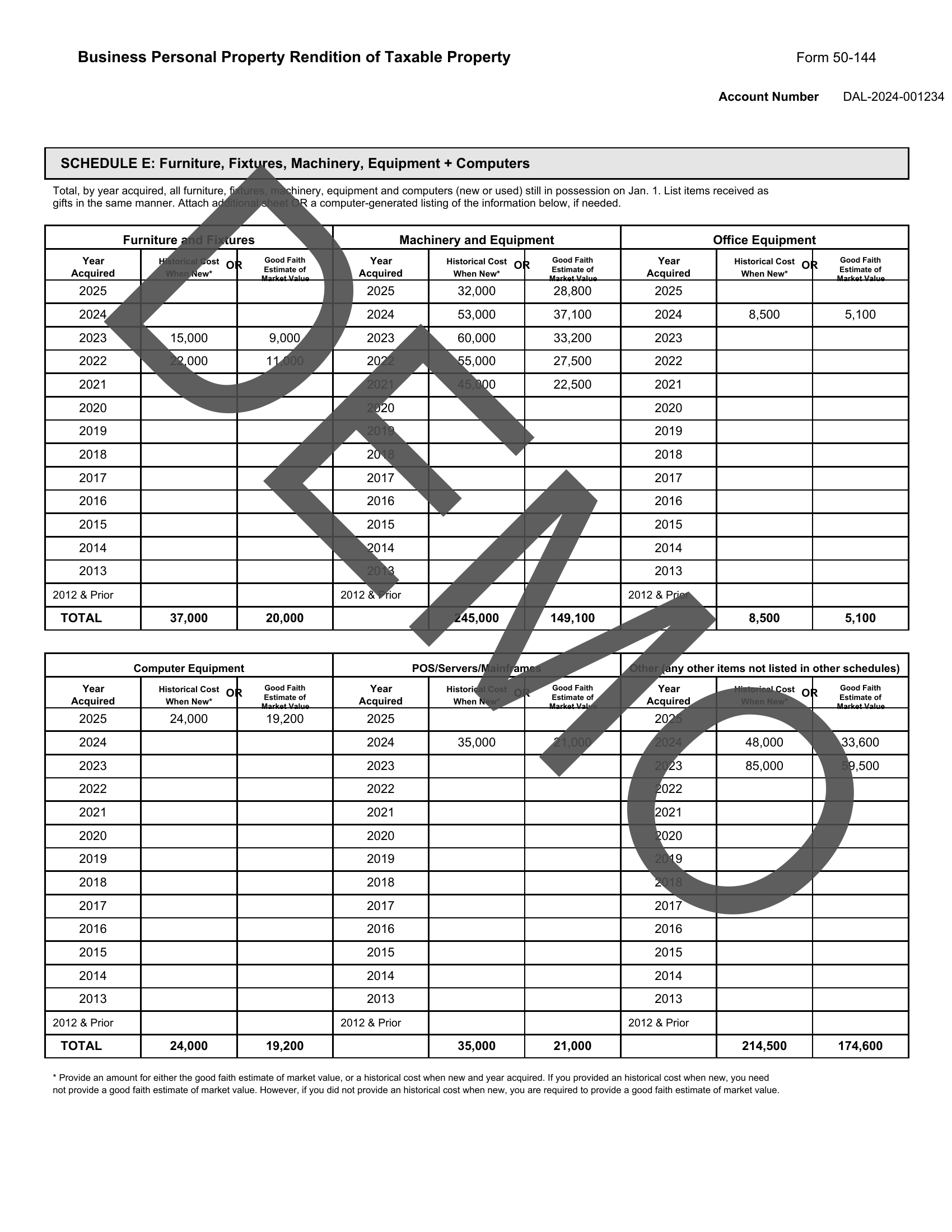
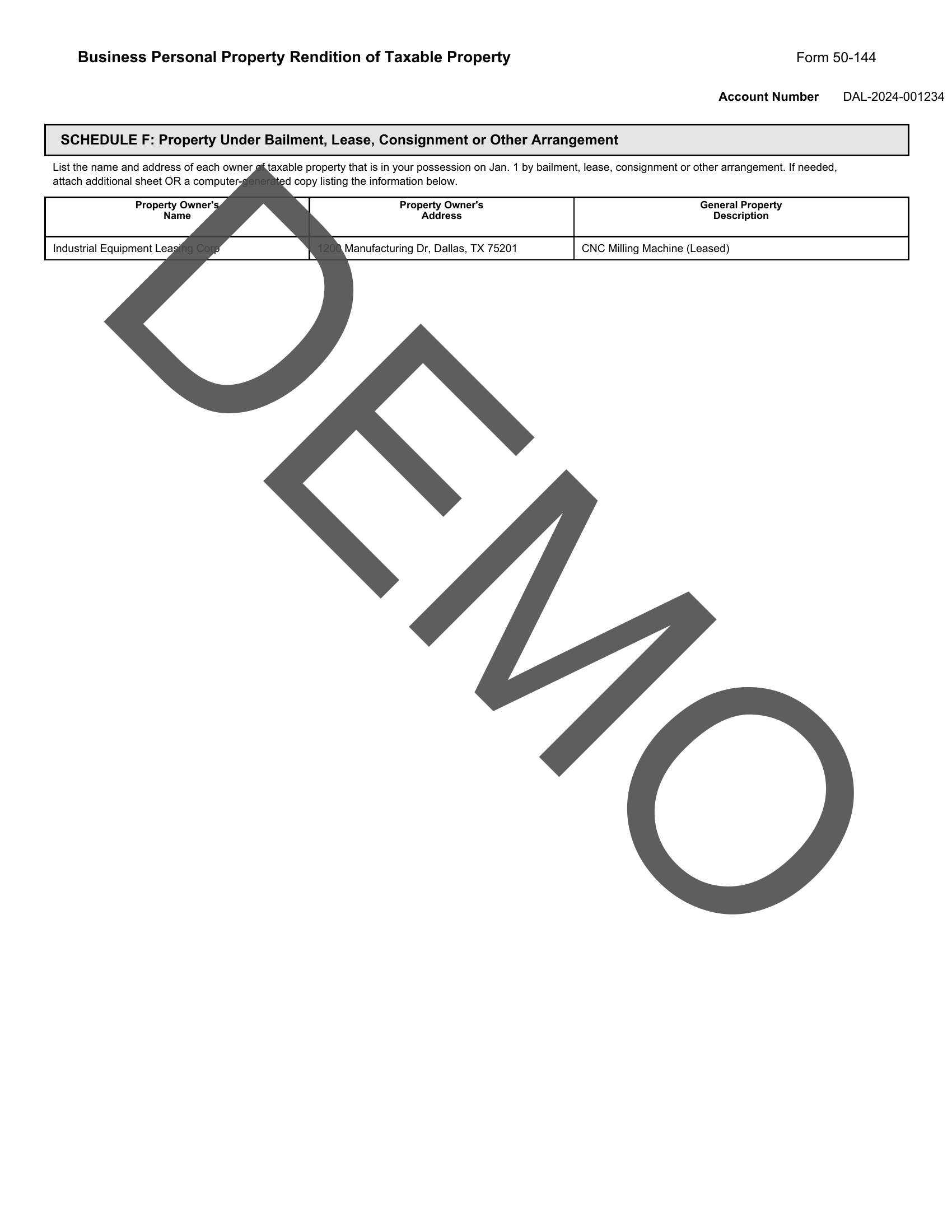
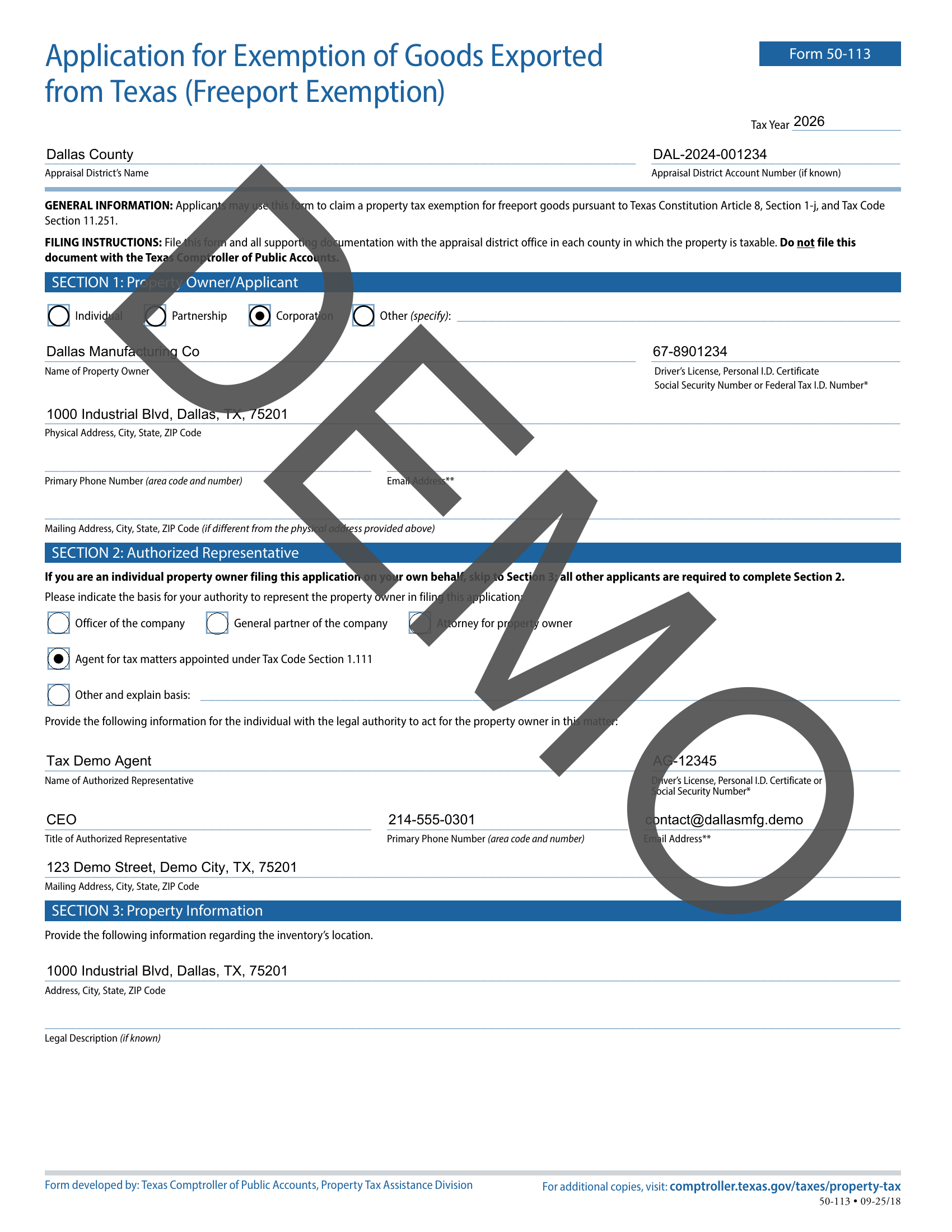
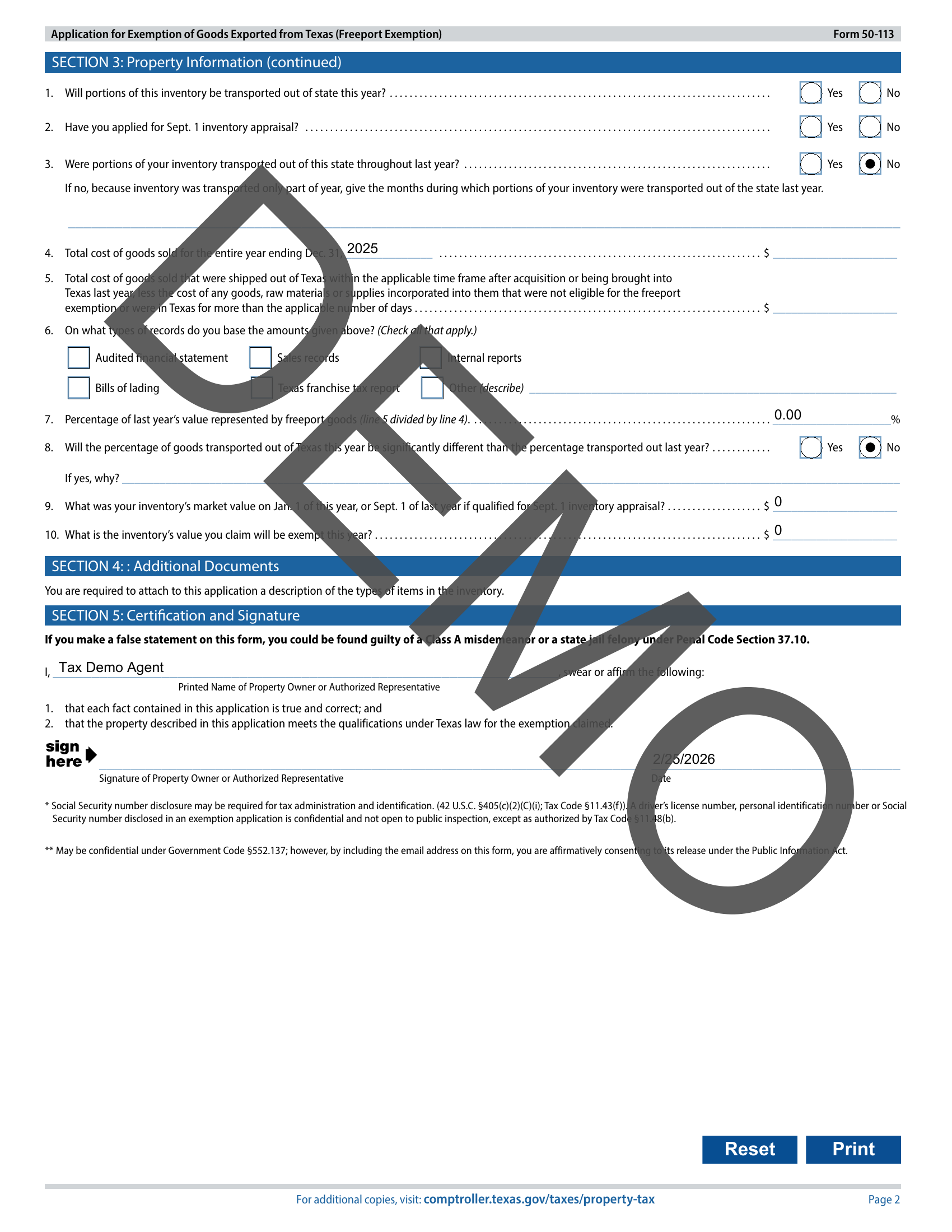
Add your clients, enter their assets, and let Personal Property Tax Pro handle the rest. Every form, auto-filled and ready to go.